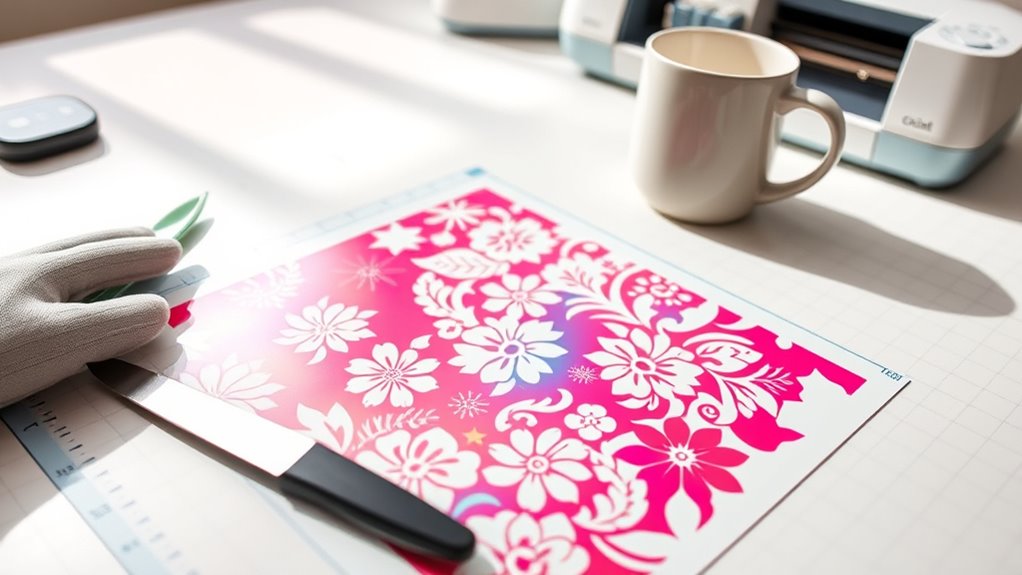
How to Use Cricut Infusible Ink in Your Projects
Are you excited to create personalized crafts but feel overwhelmed by the process? You’re not alone—many crafters struggle to get professional-looking results with Cricut Infusible Ink.
Luckily, with a few simple steps, you can unlock vibrant, permanent designs on your favorite surfaces.
To use Cricut Infusible Ink, start by designing your project in Cricut Design Space, mirroring your image if needed. Cut and weed the transfer sheets carefully, then prep your surface by cleaning and preheating it.
Place the transfer sheet pattern side up on your blank, secure it with heat-resistant tape, and press at around 385°F for 40 seconds with steady pressure.
Once cooled, peel off the transfer sheet to reveal your vibrant, permanent design—continue to investigate for detailed tips and tricks.
Key Takeaways
- Design and mirror your image in Cricut Design Space. Then, cut the infusible ink transfer sheet with a fine-point blade.
- Properly weed the design. Carefully remove small or intricate pieces to make sure your transfer is clean.
- Prepare your surface by cleaning it first. Preheat with an EasyPress at 385°F, and add a protective backing.
- When pressing, use steady, even pressure for about 40 seconds at the right temperature. This helps infuse the ink properly.
- Let your project cool completely before peeling off the transfer sheet. Once cooled, you’ll see a vibrant, permanent design.
What Is Cricut Infusible Ink and How Does It Work?
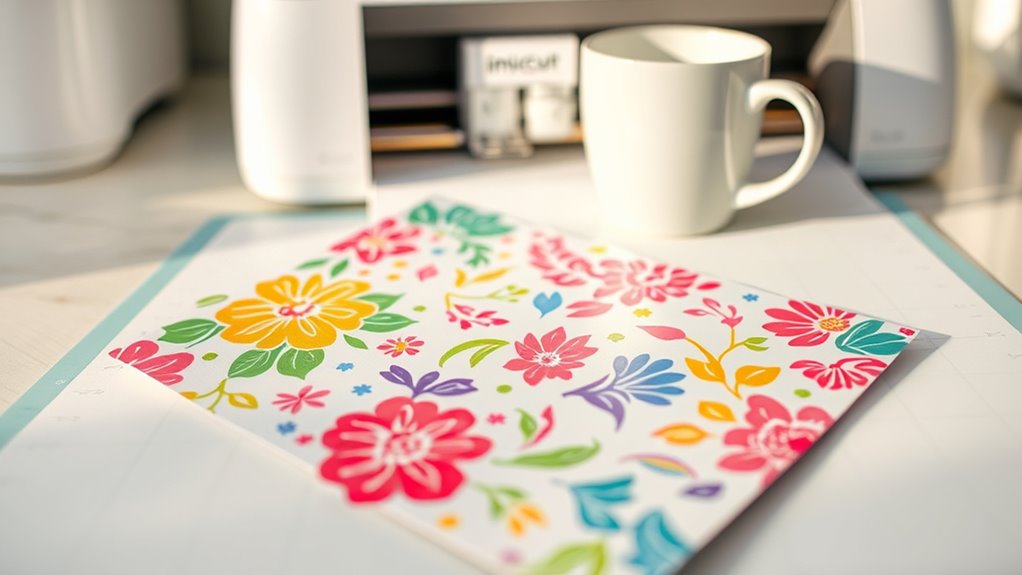
Cricut Infusible Ink is a transfer medium that seamlessly infuses into compatible surfaces, creating vibrant, professional-looking designs. Unlike vinyl stickers, the ink becomes part of the material, making it permanent and stretch-resistant.
It works through a process called sublimation, where heat causes the ink to turn into gas and bond with the surface at a molecular level. To do this, you use transfer sheets with the correct pattern side facing down, along with specific coated blanks designed for Infusible Ink.
Proper heat settings are essential for a successful transfer. Once the process is complete, the design is durable, washable, and resistant to cracking or peeling.
This makes Cricut Infusible Ink ideal for long-lasting projects with vivid, seamless results.
Essential Materials and Tools for Cricut Infusible Ink Projects
To create successful Cricut Infusible Ink projects, you’ll need a specific set of materials and tools designed for sublimation. Infusible Ink transfer sheets come in various colors and patterns, perfect for vibrant, professional-looking designs.
Essential tools include a Cricut cutting machine, StandardGrip or LightGrip mats, a heat press or EasyPress, and heat-resistant tape to secure your design during transfer. Proper materials like compatible blanks—such as ceramic ornaments, tote bags, and coasters—are vital for effective results.
Use a fine point blade to cut intricate designs from the transfer sheets with precision. Additional supplies like a lint roller, brayer, scissors, and a pressing mat help prepare surfaces and guarantee even heat application. These materials and tools set the foundation for successful Cricut Infusible Ink projects.
Designing and Mirroring Your Cricut Infusible Ink Files
Before cutting, make sure to mirror your design in Cricut Design Space, especially for images or text that need to be reversed.
Place your transfer sheet pattern side up on the mat to ensure accurate cuts. Double-check that your design fits within the recommended size to avoid errors or distortion.
Preparing Your Design
When designing your project, it’s important to activate the MIRROR function in Design Space to make sure your image looks correct after transfer. This helps your design stay properly oriented for infusible ink projects.
Next, think about these key points:
- Mirror your design to avoid upside-down or reversed images when you transfer.
- Carefully resize your design to match the surface of your project, following recommended dimensions.
- Make sure your design fits well within the material boundaries, avoiding overlaps or large margins.
Mirroring for Proper Orientation
Ever wonder why your infusible ink designs sometimes turn out reversed or upside down? It’s because you need to flip your design before cutting.
Always enable the “Mirror” or “Flip” option in Cricut Design Space to guarantee the correct design orientation on your project. Mirroring is especially important when working with text or images that need to face a specific direction after transfer.
When preparing for cutting, place the infusible ink transfer sheet pattern side up, then mirror the image so it transfers correctly onto your surface. Forgetting to mirror your design can result in reversed images or text that might not look right.
Remember to mirror even symmetrical designs, as the transfer process will reflect it onto the surface.
How to Cut and Weed Infusible Ink Transfer Sheets
To cut and weed Infusible Ink transfer sheets accurately, start by placing the pattern side up on a StandardGrip cutting mat and loading it into your Cricut machine. Use the fine-point blade and follow the recommended settings for this material to ensure precise cuts.
Once cut, gently bend or flex the transfer sheet to loosen the negative space, making weed removal easier. Carefully weed the transfer sheets, removing small or intricate pieces with tweezers or your fingers.
Gently bend or flex the transfer sheet to loosen negative spaces for easier, precise weeding.
Keep the design intact by working slowly and precisely. Handle the transfer sheets gently to avoid tearing or damaging the design during the weed process.
This method ensures clean cuts and smooth weeding for a flawless infusible ink transfer.
Prepping Your Surface for Perfect Infusible Ink Transfers
Before applying your Infusible Ink transfer, it’s important to prep the surface well to get a vibrant, lasting design. Use a lint-free cloth to wipe away dust, lint, or fibers that could mess with the ink adhesion.
Next, preheat the surface with an EasyPress or heat press at 385°F for about 15 seconds. This step helps remove moisture and wrinkles, making sure your transfer goes on smoothly.
Place a pressing mat or a piece of butcher paper underneath the surface to promote even heat transfer. For fabric items like tote bags or pillow shams, insert a piece of cardstock or butcher paper inside to prevent ink bleed-through.
Make sure the surface is flat and smooth before applying your transfer sheet for the best results.
How to Apply Infusible Ink to Double-Sided Ornaments
To apply Infusible Ink to double-sided ornaments, start by thoroughly cleaning and preparing the surface to guarantee a smooth, vibrant finish.
Next, carefully align your designs on both sides and secure them with heat-resistant tape to prevent shifting.
Finally, use the proper pressing technique to infuse both designs simultaneously without dulling the colors, then let the ornament cool before removing the transfer sheets.
Preparing the Ornament Surface
Since you’re working with double-sided ornaments, it’s important to start with a properly prepared surface. First, check that the ornament has a sublimation surface made for Infusible Ink.
Then, clean the ornament thoroughly with a lint-free cloth to remove dust, oils, or fingerprints that could mess up the ink transfer. Next, preheat the ornament with your Cricut Easy Press at the recommended temperature to dry it out and help the ink infuse better.
To keep your design in place, use heat-resistant tape to secure it face-down on the ornament. During pressing, place a layer of butcher paper or a pressing sheet over the ornament to protect both the surface and your heat press.
Good preparation is key to getting vibrant, long-lasting results.
Applying the Design Correctly
Applying infusible ink to double-sided ornaments needs careful placement to ensure both sides come out vibrant and sharp.
Start by cutting and weeding the design from the transfer sheet, making sure to remove all negative space. Place the design ink-side down on one side of the ornament, aligning it carefully.
Secure the transfer sheet with heat-resistant tape to keep it from shifting during pressing. Use a heat press or EasyPress at 385°F with steady pressure for 40-60 seconds, following your project’s guidelines.
After pressing, let the ornament cool completely. Gently peel away the transfer sheet to reveal the vivid, infused design. Repeat on the other side, making sure the first side cools fully before applying the second design for a professional look.
Proper Pressing Technique
Achieving a professional, double-sided infusible ink ornament takes careful attention to your pressing technique. To get vibrant, even results on both sides, press the entire ornament in one go instead of doing separate presses.
Before pressing, make sure the ornament is properly preheated and lint-free. This helps promote even heat transfer and prevents any unwanted marks or fibers on your design.
Use heat-resistant tape to secure both transfer sheets in place. This keeps everything from shifting during the press, ensuring a clean, precise transfer.
Keep the pressure and temperature consistent, usually around 385°F for 40-60 seconds. Avoid moving the heat source during the press to maintain even heat distribution.
Once pressed, allow the ornament to cool completely before peeling off the transfer sheet. This helps your design set properly and prevents smudging or peeling.
Using a Cricut EasyPress for Best Infusible Ink Results
To get the best results with Infusible Ink, make sure you preheat your Cricut EasyPress to 385°F and let it fully heat before applying.
Place an EasyPress Mat or pressing pad underneath your project to ensure even heat distribution. For ceramic coasters or similar items, apply steady, even pressure with the EasyPress for the full recommended time, usually 40 seconds, without moving it.
Use an EasyPress mat and apply steady, even pressure for 40 seconds on ceramic coasters.
Use a light or gentle press when working with delicate surfaces or infusible ink sheets to avoid damaging the design. Once the pressing is complete, let your project cool completely before peeling the transfer sheet or paper.
This guarantees the ink fully infuses and sets, delivering vibrant, long-lasting results on your ceramic coasters or other projects.
Troubleshooting Common Infusible Ink Problems
Troubleshooting common Infusible Ink problems often involves figuring out what’s causing issues like dull colors, blurry designs, or incomplete transfers.
If your colors look dull or faded, check if you’re pressing at too high a temperature or for too long, which can burn or degrade the ink.
Using surfaces that aren’t compatible, like regular ceramic tiles instead of sublimation-coated ones, can prevent proper ink infusion and lead to poor results.
Also, moving the heat press or iron during transfer can cause blurry or shadowed designs because of uneven heat distribution.
To avoid these problems, make sure to use surfaces designed for sublimation, keep the heat steady without shifting, and follow the recommended temperature and pressing times exactly.
How to Get Vibrant, Long-Lasting Infusible Ink Results
To get vibrant, long-lasting results, start by preparing your surface carefully. Make sure it’s preheated and free of lint.
Use your heat press set to 385°F with steady pressure for about 40 seconds, making sure there’s even contact.
Wait until the project cools completely before peeling the transfer sheet. This helps maximize both color and durability.
Proper Surface Preparation
Achieving vibrant, long-lasting Infusible Ink results depends heavily on proper surface preparation. To guarantee a smooth transfer, start with a thorough lint roll to remove dust, lint, and fibers. This step is vital for a clean surface.
Next, pre-heat the surface with an EasyPress or heat press for about 15 seconds. This helps eliminate moisture and wrinkles, which improves ink adhesion. For items like pillows or bags, insert a piece of cardstock or butcher paper inside to prevent ink bleed and protect the back side during pressing.
Always make sure your surface is flat and free of imperfections. Uneven areas can cause inconsistent results. Proper surface preparation creates the ideal foundation for vibrant, durable Infusible Ink designs.
Correct Heat Settings
Getting vibrant, long-lasting results with Cricut Infusible Ink means setting your heat press or EasyPress to the right temperature. The ideal temperature is usually around 385°F (196°C), which helps the ink transfer vividly and permanently.
Using the correct heat setting is key. If it’s too low, the colors might look dull. If it’s too high, the ink can burn or fade. Before pressing, preheat the surface for about 15 seconds to remove moisture and wrinkles. This helps ensure even ink infusion.
During pressing, keep steady pressure. Shifting or uneven pressure can hurt ink transfer and vibrancy. Always follow the specific temperature guidelines for your project to get the best, most durable results.
Optimal Pressing Technique
Applying steady, even pressure during the pressing process guarantees your design transfers crisply and vibrantly. To achieve this, confirm your heat press or EasyPress is set to the recommended temperature, around 385°F.
Use steady pressure without moving the heat source to prevent blurry or uneven designs. Before pressing, preheat the surface for 15 seconds to remove moisture and wrinkles, which helps improve ink infusion.
Keep a protective layer like butcher paper or heat-resistant tape between the press and your project to avoid unwanted ink transfer. Once pressed, let your project cool completely before peeling the transfer sheet.
This step helps ensure vibrant, long-lasting, fully infused results. Focus on maintaining consistent pressure and proper preheating for the best infusible ink outcome.
Creative Ideas for Projects With Cricut Infusible Ink
Creative projects with Cricut Infusible Ink open up a world of vibrant, professional-looking designs that can elevate everyday items. With Infusible Ink, you can create personalized apparel, drinkware, and home décor that truly stand out.
A popular Cricut project is making double-sided ornaments by applying Infusible Ink to both sides with a special pressing technique. It’s a great way to add a personal touch to your DIY home collection.
You can also draw and color custom designs using Infusible Ink Markers and pens. These fuse permanently into compatible surfaces, making your creations durable, washable, and resistant to cracking or peeling.
These projects are perfect for everyday use or thoughtful gifts. Let your creativity run wild with unique party favors, custom coasters, or personalized tote bags—all with vibrant, professional-quality results.
Safety Tips and Care for Infusible Ink Projects
To guarantee safe and successful Infusible Ink projects, it’s essential to follow proper safety precautions throughout the process. Always work in a ventilated area to avoid inhaling fumes during heat application.
Always work in a ventilated area to safely enjoy your Infusible Ink projects.
Use heat-resistant gloves to protect your hands from high temperatures during pressing and peeling. Keep your heat press or EasyPress at the recommended temperature of around 385°F to ensure proper ink transfer without overheating.
Furthermore, store Infusible Ink transfer sheets and pens out of reach of children to prevent accidents. When caring for projects, follow manufacturer instructions for cleaning and maintenance to preserve their vibrancy and durability.
Prioritizing safety and proper care helps you achieve professional-looking results while keeping your workspace safe.
Where to Find Quality Supplies and Inspiration for Cricut Infusible Ink
Finding high-quality Cricut Infusible Ink supplies is easier than you might think. They are mainly available at Michaels Craft Stores and online through their website.
You’ll find everything you need, from transfer sheets and pens to compatible blanks, all in one convenient spot. For endless ideas and inspiration, visit infusibleink.com. They offer tutorials, design tips, and creative ideas to spark your imagination.
Many crafting communities and social media groups share user projects, tips, and ideas. This is a great way to get fresh inspiration and helpful advice. Free downloadable design files and templates are often available on Cricut’s official platforms and crafting blogs, making it easy to personalize your projects.
Following influencers on Pinterest, Instagram, and Facebook also helps keep your creativity flowing.
Frequently Asked Questions
What Can You Do With Cricut Infusible Ink?
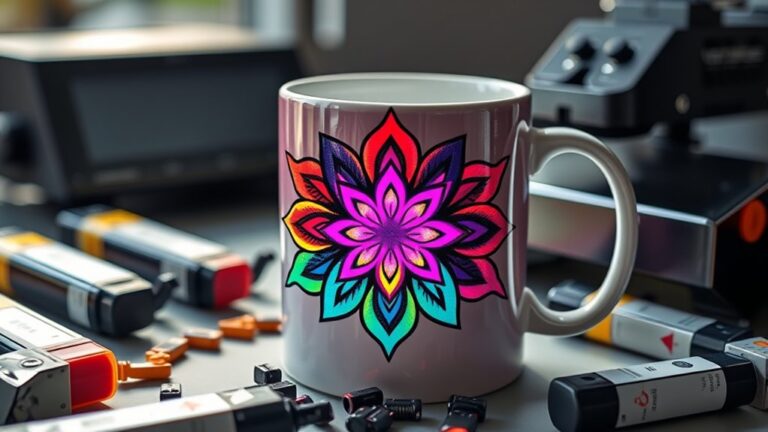
With Cricut Infusible Ink, you can create vibrant, permanent designs on various surfaces like t-shirts, mugs, tote bags, and ornaments.
It’s great for personalizing apparel, home décor, and gifts with high-quality, long-lasting images.
You can also use the ink pens and markers for freehand drawings or coloring, making each project unique and handcrafted.
It’s perfect for making seamless, double-sided ornaments and layered designs that stay vivid and stretch-resistant even after washing and use.
How to Use Infusible Ink Cricut for Beginners?
A stitch in time saves nine, and starting right with Cricut Infusible Ink is key. As a beginner, create your design in Cricut Design Space with the MIRROR toggle on. Then cut it using compatible sheets and a standard or light grip mat.
Preheat your surface for 15 seconds, then transfer at 385°F for 60-240 seconds. Let it cool completely before peeling, for vibrant, lasting results.
What Side Goes Down When Using Infusible Ink?
You should place the ink side down on your surface when using Cricut Infusible Ink.
Check for the shiny or patterned side on the transfer sheet; that’s the ink side.
During cutting and transfer, make sure the ink side faces the material. This helps you get vibrant, professional results.
Proper placement is key. Placing the ink side down guarantees the design infuses correctly and looks great on your finished project.
What Happens if You Use Infusible Ink on 100% Cotton?
You can’t expect magic if you use Infusible Ink on 100% cotton; “you get what you pay for” doesn’t hold here. The ink won’t infuse properly, so your design may turn out dull, faded, or crack over time.
It might peel or wash out because cotton lacks the polyester coating needed for a vibrant, durable transfer. Stick to polyester or coated surfaces for the best results.
Conclusion
By mastering Cricut Infusible Ink, you unlock endless creative possibilities. Imagine turning a plain tote into a vibrant, personalized accessory that can handle washing and wear.
Just like a hobbyist who transformed a simple design into a popular gift, your projects can become both meaningful and durable. Keep experimenting, follow safety tips, and don’t be afraid to try new ideas.
Your creative journey with Cricut Infusible Ink is just beginning!