How Long Do Ink Cartridges Last – A Comprehensive Guide
If you’ve ever been caught off guard by a printout streak or run out of ink just before an important project, you’re not alone. Many people struggle with managing ink cartridge lifespan and avoiding unexpected print issues.
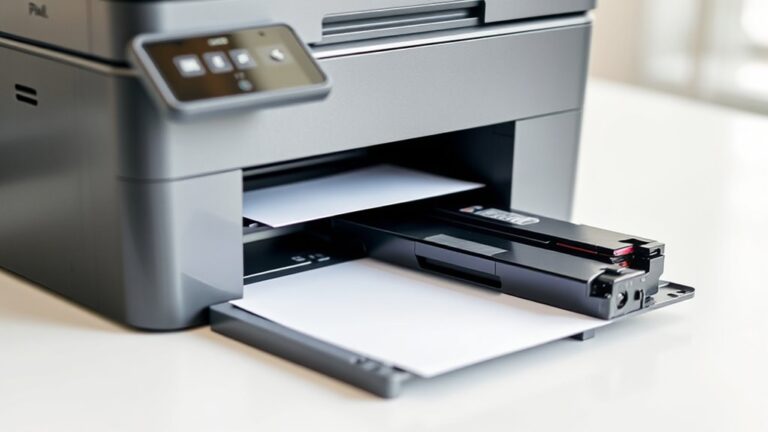
Ink cartridges typically last around 18 months to two years if stored properly in a cool, dry environment and kept sealed.
Infrequent use, poor storage, or expiration can lead to dried ink and clogging, reducing lifespan and print quality.
Refilled or remanufactured cartridges may not last as long as OEMs, and regular maintenance helps extend their life.
If you want to learn more about boosting your cartridge’s longevity and avoiding issues, keep exploring this guide.
Key Takeaways
- Unopened ink cartridges usually last about 18 to 24 months if you store them properly. Keep them in a cool, dry place, standing upright to prevent leaks.
- Regular printing or maintenance helps keep the ink from drying out. This is especially true for ink tank printers. Using your printer regularly can really extend the life of your cartridges.
- When cartridges expire or dry out, they can cause print streaks and smudges. In some cases, using old cartridges might even damage the printheads. So it’s best to replace them when they’re no longer good.
- Refilled or remanufactured cartridges often don’t last as long as OEM cartridges. That’s mainly because of differences in sealing and ink quality. They might save you money upfront but may need more frequent replacing.
- Handling, storing, and using your cartridges properly is key. Routine use and good storage habits can help you get the most out of your cartridges. This ensures you get good print quality over time.
How Long Do Unopened Ink Cartridges Last?
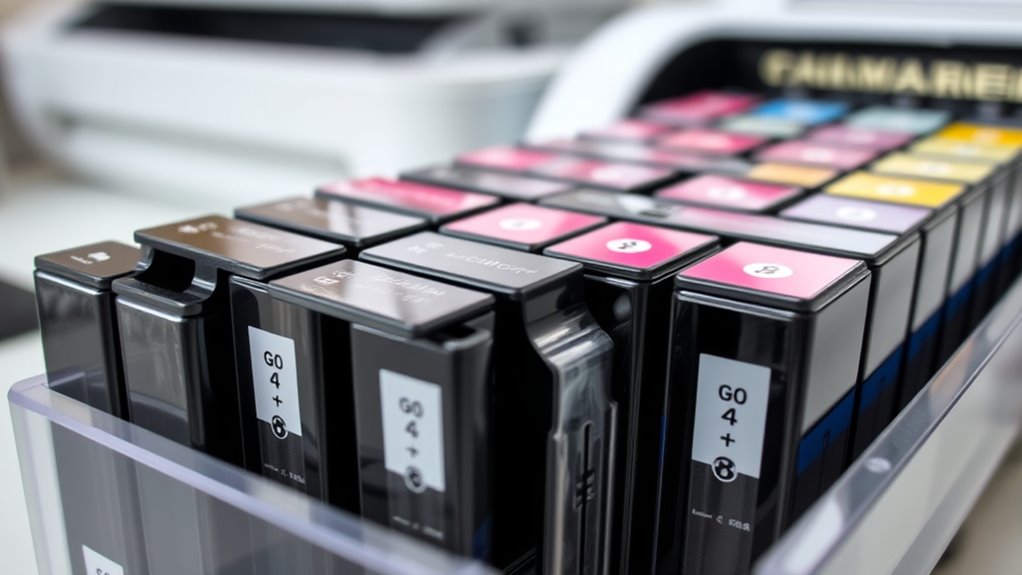
Unopened ink cartridges usually last between 18 to 24 months if stored properly. Their shelf life depends on how well they’re kept, which helps keep the ink fresh.
Store them in a dry place away from heat, humidity, and sunlight. Exposure to these elements can shorten their lifespan.
It’s best to keep unopened cartridges upright in their original packaging. This protects them from light and moisture.
The expiration date printed on the packaging shows the ideal time to use the cartridges. It’s usually about two years from the date they were made.
Even if the date has passed, cartridges can often still be used if stored properly. Keeping the original packaging and a stable environment helps ensure the ink stays good until you’re ready to use it.
What Factors Affect Ink and Toner Cartridge Shelf Life?
Several factors influence how long ink and toner cartridges stay usable, even if they’re unopened. Storage conditions play a vital role in extending the shelf life, so keeping cartridges in a cool, dry, and dark environment is essential.
Proper storage involves maintaining a temperature between 0°C and 35°C and avoiding direct sunlight or humidity, which can cause ink deterioration. The ink formulation, whether dye-based or pigment-based, also impacts its chemical stability and longevity.
Exposure to air, extreme temperatures, or high humidity can lead to ink drying, clogging, or leakage, reducing the cartridge’s lifespan. Moreover, sealing packaging and storing cartridges upright help prevent ink evaporation, preserving print quality over time.
These factors collectively determine how long your cartridges remain effective and ready for use.
How to Read and Understand Your Cartridge’s Expiration Date
To see if your ink cartridge is still good, start by looking for the expiration date on the package or the cartridge itself. This date tells you when the ink should be used for the best print quality, usually set two years from the manufacturing date.
Make sure to check the expiration date carefully before installing the cartridge. It helps you gauge how well the cartridge might perform and how reliable it will be.
Keep in mind, storing cartridges properly can sometimes extend their life beyond the expiration date. But dried ink and lower quality might still happen if the date has passed.
Knowing this date is key to maintaining top performance and avoiding print problems caused by dried or compromised ink. Always check the expiration date to ensure your cartridges give you the best results.
What Happens When You Don’t Use Your Ink Cartridge for a Long Time?
When you leave your ink cartridge unused for a long time, the ink inside can start to dry out and clog the printhead nozzles. This drying can block the tiny openings, messing up the ink flow and causing streaky or incomplete prints.
Reduced ink flow can affect print quality and may lead to smudges or faded images. Over time, dried ink inside the cartridge or on the printhead can cause printing errors and might mean you need a cleaning cycle or even a new cartridge.
Using your printer infrequently speeds up the deterioration of the cartridge, especially if storage conditions aren’t ideal. To avoid this, try printing regularly or store your cartridges properly.
Good storage and regular printing help keep the ink flowing, clear the printhead nozzles, and ensure your prints stay consistent and high quality over time.
How Proper Storage Can Extend Your Ink Cartridge’s Life
Storing your ink cartridges properly can greatly extend their lifespan and ensure they work well when you need them. Keep your cartridges in their original sealed packaging and store them in a cool, dry, dark place to keep the ink fresh and extend their shelf life.
Storing cartridges upright helps prevent ink from settling or leaking, which can damage the cartridge and make it harder to use. Keep them in a consistent temperature between 0°C to 35°C (32°F to 95°F) to stop the ink from thickening or drying out too soon.
Avoid exposing your cartridges to direct sunlight, heat sources, or humidity. These conditions can cause chemical breakdown and evaporation, which impact performance. Proper storage helps delay ink drying inside the printhead and prevents clogs, ultimately making your cartridges last longer and work better.
Signs Your Ink or Toner Cartridge Has Dried Out or Expired
Have you noticed streaks, smudges, or faded printouts? These are clear signs your ink might be dried out or your cartridge has expired.
Dried ink often causes crusty residue around the nozzle or printhead, which can lead to inconsistent print quality.
Dried ink creates crusty buildup around the nozzle, causing poor print quality and inconsistent results.
Expired cartridges may produce missing lines or dull colors, indicating ink or toner degradation.
Your printer might also display error alerts or warning messages, signaling issues with the cartridge.
If you find yourself running frequent cleaning cycles or seeing a big drop in print volume, your cartridge is probably dried out or expired.
Faded print and error notifications are good indicators that your ink or toner needs replacing or reconditioning for smooth, high-quality printing.
Can You Safely Use Expired or Dried Cartridges? Risks and Considerations
Using expired or dried ink cartridges isn’t recommended because it can hurt your print quality and even damage your printer. Expired cartridges often cause streaks, faded colors, or incomplete images since the ink inside the nozzles may have dried out.
Dried ink also increases the chance of clogs, which might lead to costly cleaning or the need to replace the cartridge or even the printer itself. While some expired cartridges might still work for a little while, their performance and reliability are usually much lower, raising the risk of printing issues.
Reusing dried or expired cartridges over time can also cause damage to your printer. This might shorten the lifespan of the cartridge and lead to expensive repairs. Overall, using expired cartridges can harm your print quality and your device, so it’s best to replace them before problems happen.
Are Refilled or Remanufactured Cartridges as Durable as OEM?
Refilled and remanufactured cartridges often don’t last as long as OEM ones because of differences in ink quality and manufacturing standards. Their reliability can vary depending on the reconditioning process and ink used, which can lead to issues like clogging or drying out.
While they can be more affordable upfront, they usually require more frequent replacements to keep printing consistent.
Ink Quality Differences
| Feature | OEM Cartridges | Refilled Cartridges |
|---|---|---|
| Ink Quality | High, tested formulations. | Variable, often lower. |
| Ink Stability | Reliable, longer shelf life. | Less stable, dries faster. |
| Print Quality | Consistent, sharp results. | Varies, sometimes poor. |
| Cartridge Lifespan | Longer. | Shorter, depends on use. |
Compatibility and Reliability
While refilled and remanufactured cartridges can seem like cost-effective alternatives to OEM options, their durability and dependability often fall short. Compatibility can be a concern, as these cartridges sometimes cause printer errors or malfunctions due to inconsistent sealing or variable ink quality.
The dependability of refilled cartridges depends heavily on the quality of the refill process and materials used during remanufacturing, which can impact overall performance. Unlike OEM cartridges, which are tested to meet strict standards for consistent quality and longevity, third-party options may deliver uneven print quality and shorter lifespan.
Proper handling and storage are essential, but even then, the performance of refilled cartridges may not match the durability and dependability of OEM cartridges, potentially leading to frequent issues.
Durability and Longevity
Although refilled and remanufactured ink cartridges might seem like budget-friendly options, they usually don’t last as long as OEM cartridges. Their lifespan can be shorter because of ink quality issues and imperfect sealing.
The durability of these cartridges really depends on the quality of the reprocessing process. OEM cartridges are made with higher-quality inks and precise seals, which helps them perform better.
Refilled cartridges tend to dry out quickly or clog printheads, which cuts down their effective lifespan. Proper storage and handling can help, but they still generally don’t match OEMs over time.
When it comes to durability and print quality, OEM cartridges usually last longer and give more consistent results than refill cartridges.
What Is the Best Printer for Infrequent Printing?
If you print infrequently, choosing a printer designed for occasional use can save you both time and money. Ink tank printers with sealed reservoirs, like HP Smart Tank or Canon MegaTank, are great options because they prevent ink from drying out and clogging.
Laser printers are also a good choice since they use dry toner that doesn’t dry out or clog. They can last for years without issues, making them ideal for infrequent printing. Regularly scheduled print jobs, even once every 1-2 weeks, help keep ink flowing and prevent ink from drying inside inkjet cartridges.
This also helps extend the lifespan of your cartridges. Refillable cartridges stored properly can be helpful, but they still don’t last as long as laser toner. High-capacity ink tanks or toner cartridges are more cost-effective for sporadic printing and reduce the need for frequent replacements.
How Regular Maintenance and Printing Help Maximize Cartridge Lifespan
Regular maintenance and consistent printing habits are key to maximizing your cartridge’s lifespan. By sticking to a regular printing schedule, you prevent ink from drying out inside the printhead, which helps keep the ink flowing smoothly.
Regular maintenance and consistent printing habits extend cartridge life and ensure optimal print quality.
Performing routine printhead cleaning as recommended by your manufacturer keeps nozzles clear and prevents clogs. Printing in draft mode or grayscale reduces ink usage, helping your cartridge last longer.
Printing small test pages or documents periodically keeps ink from settling and drying inside the cartridge. Properly maintaining your printer and following a routine printing schedule minimizes clogs and keeps the ink fluid.
This proactive approach not only prevents issues but also makes your cartridges last longer, saving you money and maintaining print quality over time.
Frequently Asked Questions
How Long Do Ink Cartridges Usually Last?
You can expect your ink cartridges to last between 200 and 1,500 pages, depending on your printing habits. If stored properly in their original packaging, they can stay good for 18 to 24 months.
To get the most out of your cartridges, print regularly and keep them upright in a cool, dry place. Dried ink and infrequent printing can cause clogs, which lead to poor print quality and shorter cartridge life.
What Is the Most Reliable Printer Brand?
You want reliability, durability, and consistent quality in a printer, and HP stands out as the most reliable brand. With its reputation for dependable performance, you can count on HP for clear prints, long-lasting cartridges, and low maintenance.
Whether you’re printing documents, photos, or high-volume jobs, HP’s advanced technology and solid build guarantee your printer works smoothly. It’s the trusted choice for home or office use.
What Ink Cartridge for Canon TS3700?
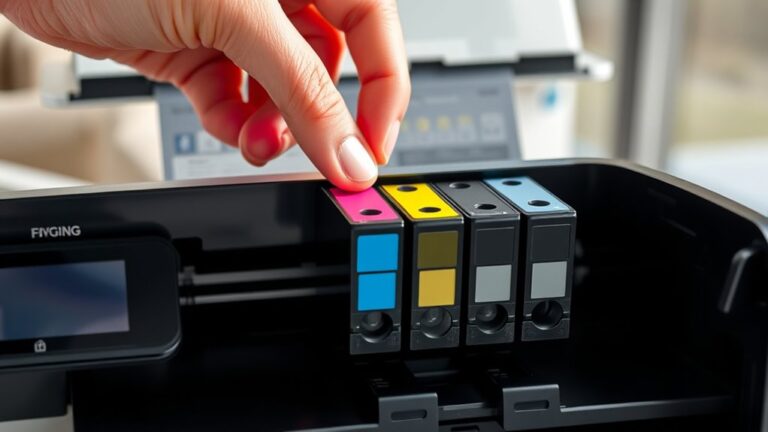
You should use the Canon PG-245 black ink cartridge and the CL-246 color cartridges for your Canon TS3700 series printer.
The PG-245 yields about 180 pages, and each CL-246 cartridge also prints around 180 pages.
For the best results, stick with genuine Canon cartridges, store them properly in a cool, dry place, and replace them when print quality drops or they run out.
Does Staples Give You Money for Empty Ink Cartridges?
You can find a rewarding way to give your empty ink cartridges a second life at Staples. They offer a recycling program that gives store credit or rewards, usually around $2 to $4 per cartridge.
The amount you get depends on the brand and type of cartridge. Just drop off your used cartridges at a participating store, and you’ll earn incentives—mainly in the form of store credit.
This program helps reduce waste and can save you money in the process.
Conclusion
To get the most out of your ink cartridges, treat them like precious seeds—properly stored and used regularly. Ignoring their needs is like letting a garden wither away; your printer’s performance will suffer, and you’ll waste money.
Stay aware of expiration dates, store cartridges correctly, and perform routine maintenance. With a little care, your ink cartridges will last longer than a weekend camping trip—keeping your printing smooth and your budget happy.
Remember, ink cartridges are an investment. Proper care can extend their life and save you money in the long run. So, treat your cartridges well and enjoy consistent, high-quality prints.