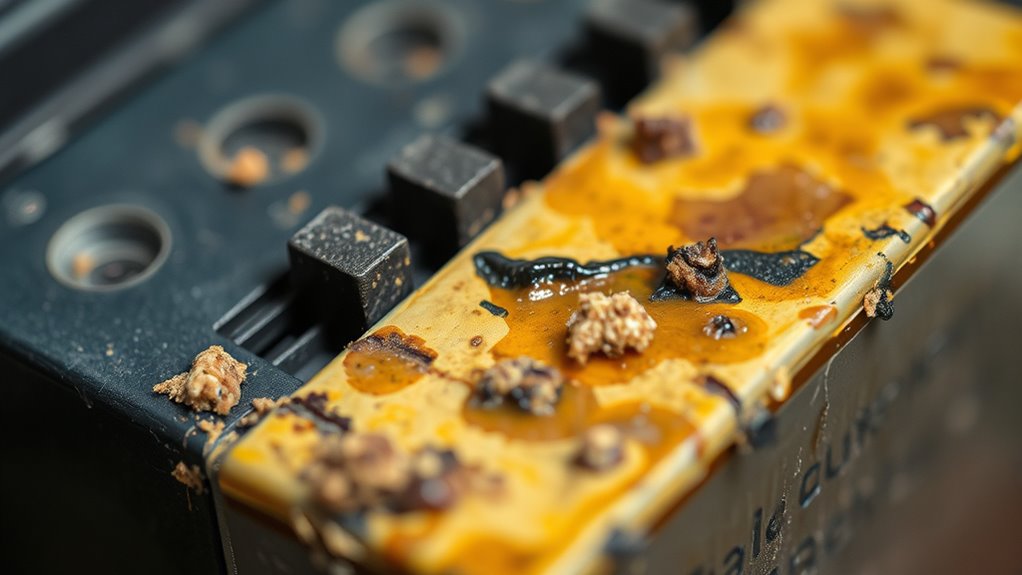
What Causes Printer Ink to Dry Up?
Are you tired of printer ink drying up just when you need it most? You’re not alone—many people struggle with ink that suddenly won’t flow, causing delays and frustration. Luckily, understanding why printer ink dries up can help you keep your printer running smoothly.
Printer ink dries up mainly because exposure to air causes the solvents to evaporate, thickening the ink and blocking nozzles.
Poor storage, infrequent use, high temperatures, and low humidity speed up this process.
Old or damaged cartridges and mechanical issues can also lead to drying and clogs.
Proper handling and maintenance can prevent these problems.
If you keep these factors in mind, you’ll find out how to keep your ink flowing smoothly.
Key Takeaways
- Solvent evaporation from exposure to air speeds up ink drying and can cause clogs.
- If you don’t print often, ink near the nozzles can dry out and harden.
- Hot temperatures and low humidity make the ink inside cartridges evaporate faster.
- Poor sealing or bad storage lets air get in, which also makes the ink dry up more quickly.
- Over time, dried ink deposits or chemical changes can block the nozzles and stop the ink from flowing smoothly.
Why Does Printer Ink Dry Out So Quickly?
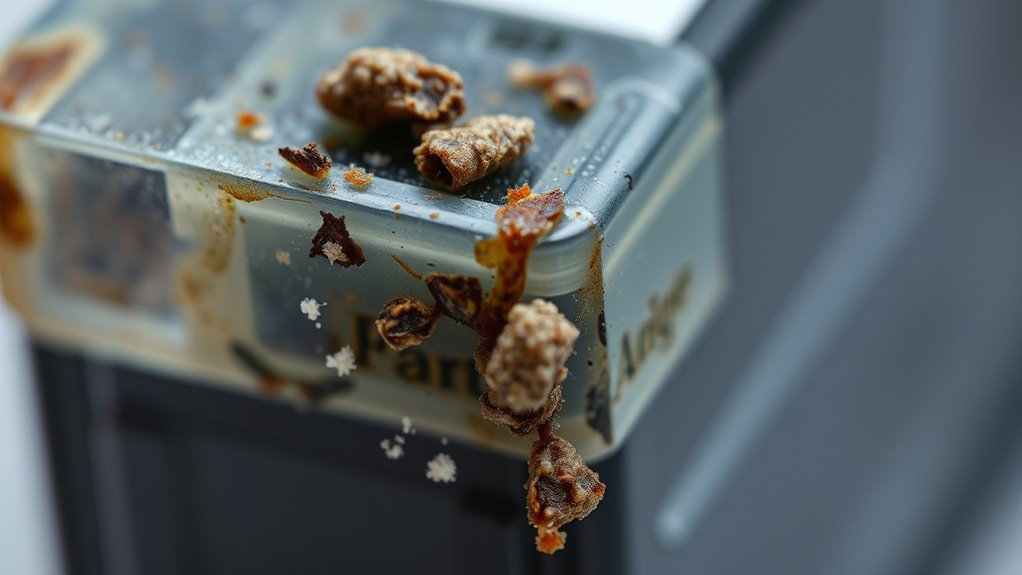
Printer ink dries out quickly mainly because it contains solvents that evaporate when exposed to air. This process speeds up when your cartridges aren’t stored properly, letting air seep in and cause the ink to evaporate.
Printer ink dries out fast due to solvent evaporation when exposed to air.
If you don’t print often, the ink near the nozzles can sit idle and dry out, which can cause clogs and poor print quality. High temperatures and low humidity also make the ink dry faster inside the cartridges by increasing evaporation.
Poor sealing or improper refilling can introduce air, making things worse. Plus, old or expired cartridges have unstable ink that dries out faster because their stabilizers break down over time.
To avoid this, keep your cartridges tightly sealed and store them in a cool, dry place.
How Ink Composition Affects Drying and Clogging
The composition of ink plays a crucial role in how quickly it dries and the likelihood of clogs forming in your printhead. Solvents and carriers in your ink evaporate over time, and rapid evaporation can thicken the ink, leading to nozzle blockages.
Alcohol-based inks dry faster but can cause quicker clogging if not stored properly or used regularly. Resins and additives can settle or harden when the ink dries out, which can contribute to printhead blockages and poor print quality.
The chemical stability of the ink components also matters; unstable formulations are more prone to thickening and clogging. Understanding how these factors interact can help you choose and maintain inks that dry properly and reduce the risk of clogs, ensuring smoother printing performance.
Storage Tips to Keep Ink Fresh and Prevent Drying
To keep your ink fresh, store cartridges upright in a cool, dark place away from sunlight and heat.
Make sure they’re sealed tightly or kept in their original packaging to prevent air from drying them out.
Avoid high-temperature spots like garages or near heaters, as heat speeds up ink drying and thickening.
Store Upright in Cool Place
Storing ink cartridges upright helps prevent ink leaks and air pockets that can cause drying. To keep your ink fresh, store upright in a cool environment, as high temperatures speed up ink drying inside the cartridge.
Proper storage in a cool place slows down the evaporation of solvents in the ink, helping maintain its quality and prolonging shelf life. A cooler setting also reduces the risk of ink settling unevenly or drying out in the nozzles.
Seal Cartridges Tightly
Sealing your cartridges tightly is key to stopping air from getting in and making the ink evaporate or dry out. When cartridges are properly sealed—whether in their original packaging or in airtight containers—they stay moist and fresh longer.
Using resealable bags or containers with a secure seal helps keep out air. This reduces the chance of ink thickening or clogging your nozzles. When you seal cartridges tightly, you prevent moisture loss and keep your ink ready for printing.
Here’s a quick guide:
| Storage Method | Benefits | Tips |
|---|---|---|
| Airtight containers | Prevent ink from drying | Make sure the seal is tight |
| Resealable bags | Keep moisture in | Remove excess air |
| Original packaging | Protect from air | Keep sealed until use |
Sealing cartridges tightly helps keep your ink fresh and ready to print whenever you need it.
Avoid Sunlight and Heat
Keeping your ink cartridges in a cool, dark environment is just as important as sealing them tightly. Exposure to direct sunlight and heat can cause the ink to dry out faster. High temperatures, like those in garages or attics, lead to evaporation and reduce ink fluidity.
UV rays from sunlight degrade the ink’s chemical makeup, increasing viscosity and risking nozzle blockages. To prevent drying, store your cartridges in a stable environment with a consistent temperature between 15-25°C.
Avoid places with temperature fluctuations and direct sunlight, which accelerate ink deterioration. Proper storage minimizes exposure to heat and UV rays, helping your ink stay fresh longer.
Maintaining a cool, dark space is key to extending your cartridge’s lifespan and ensuring quality prints when you need them.
Environmental Factors That Accelerate Ink Drying
Environmental factors like temperature fluctuations and humidity levels play a big role in how quickly your ink dries. When temperatures go up or humidity drops, ink evaporates faster.
This can increase the risk of clogging and reduce print quality. Being aware of these conditions helps you take steps to protect your cartridges.
It also helps you maintain ideal performance and get the best results from your printing.
Temperature Fluctuations Impact
Temperature fluctuations can significantly speed up ink drying inside cartridges. When temperatures go above 35°C (95°F), the ink evaporates faster, causing it to dry out more quickly.
Exposure to direct sunlight also raises the temperature, which boosts solvent evaporation and speeds up ink drying. Low humidity environments make evaporation even easier, increasing the risk of ink drying out prematurely.
Rapid temperature changes can cause condensation inside cartridges, affecting ink fluidity and leading to drying issues. Storage conditions are really important—extreme or inconsistent temperatures can cause ink to dry out and clog.
To avoid this, store cartridges in stable, moderate environments, away from direct sunlight and heat. Proper storage helps keep the ink fluid and extends the life of your cartridges.
Humidity Levels Influence
Low humidity levels can cause ink in cartridges and printheads to dry out faster because the dry air speeds up evaporation. When humidity drops below 30%, the moisture in the ink evaporates more quickly, increasing the risk of drying and ink thickening inside the nozzles.
This rapid evaporation can lead to printhead clogging, which results in poor print quality or the need for cleaning. Dry air from air conditioning or heating systems makes the problem worse by lowering humidity even more.
To prevent these issues, keeping indoor humidity levels between 40 and 60% helps slow down drying and keeps ink more fluid. Proper humidity management can extend the lifespan of your ink and ensure smoother, clog-free printing.
How Inactivity and Infrequent Printing Cause Clogs
When you don’t use your printer for a while, the ink near the nozzles starts to dry out and thicken, which can cause clogs. Inactivity means the ink in the printhead stays still, giving it a chance to evaporate.
As the ink dries, it blocks the flow during printing. Infrequent printing also prevents the natural cleaning process that keeps the nozzles clear. This allows dried ink residues to build up over time.
Dry ink blocks flow, and infrequent use stops nozzles from cleaning, causing buildup over time.
Without regular use, the solvents in the ink evaporate, leaving behind solid or semi-solid deposits. These deposits clog the tiny nozzles, leading to poor print quality or even damage to the printhead.
To prevent this, it’s helpful to print regularly or perform routine maintenance. This keeps the ink moist and flowing smoothly, avoiding those frustrating clogs.
Impact of Cartridge Age and Expiry on Ink Quality
As cartridges age and get closer to their expiration date, the ink inside them starts to break down. Expired cartridges, usually after 2-3 years, are more likely to have deteriorated ink because stabilizers break down over time.
This causes the ink to become thicker, making it harder for it to flow through the printhead nozzles. Over time, seals in old cartridges can also weaken, letting air in and causing ink to evaporate or dry out faster.
As a result, dried ink deposits and nozzle clogs happen more often, which can hurt your print quality. Using expired cartridges raises the chance of inconsistent results and mechanical issues because the chemical changes in the ink affect how it flows and works.
Replacing or maintaining cartridges properly can help prevent these problems and keep your printer working smoothly.
Common Mechanical Issues That Cause Ink Drying and Clogs
Mechanical issues within your printer can directly cause ink drying and clogs by disrupting the smooth flow of ink through the system. Misaligned or damaged printheads can prevent proper ink distribution, leading to nozzle blockages and dried ink buildup.
Faulty cap mechanisms that fail to seal the nozzles allow air in, causing ink to dry prematurely and clog the nozzles. Worn or broken wiper blades can leave residual ink on the printhead, promoting buildup and eventual drying.
Faulty ink delivery tubes can restrict ink flow, increasing the risk of blockages and dried ink. Furthermore, mechanical defects that impair the cleaning cycle hinder the printer’s ability to remove dried ink and debris from the nozzles, making drying issues and clogs worse.
Easy Tips to Prevent and Revive Dried Ink in Your Printer
Regularly using your printer is one of the easiest ways to prevent ink from drying out and causing clogs. Printing at least once a week keeps ink flowing and stops dried ink from settling in the nozzles.
Using your printer weekly prevents ink drying and clogs in the nozzles.
When storing cartridges, keep ink flowing by placing them upright in a cool, dark, and dry place. Avoid exposing cartridges to direct sunlight, high temperatures, or low humidity, as these can speed up drying.
Properly sealing cartridges in their original packaging or airtight containers when not in use helps reduce air exposure and evaporation. Routine printhead cleaning cycles can also revive partially dried ink and keep it flowing smoothly.
Following these simple tips will help keep your printer ready to go and your ink fluid and clog-free.
Frequently Asked Questions
Can You Rehydrate Dried Printer Ink?
Yes, you can sometimes rehydrate dried printer ink, but it really depends on how dried and hardened it is. If the ink isn’t completely dried out, there’s a chance you might be able to revive it.
For inkjet cartridges, soaking the printhead in warm distilled water or a water-alcohol mix might help restore flow. Just be careful not to damage the cartridge during the process.
However, if the ink is fully dried and hardened inside the cartridge or nozzle, rehydration probably won’t work. In that case, you’ll likely need to replace the cartridge to get consistent print quality.
How to Rejuvenate Dried Ink?
To rejuvenate dried ink, start by running your printer’s cleaning cycle to clear any blockages. If that doesn’t do the trick, try soaking the printhead in warm water or alcohol to dissolve the dried ink.
Gently press the printhead onto a damp paper towel to loosen stubborn particles. Regular use of your printer also helps prevent ink from drying out, keeping the ink flowing smoothly and improving print quality over time.
How to Make Ink Wet Again?
To make ink wet again, soak the printhead in warm distilled water or a water-alcohol mixture to dissolve dried ink.
Gently press the printhead onto a damp paper towel to rehydrate any residues.
Next, run the printer’s cleaning cycle to flush out dried ink and re-wet the nozzles.
For stubborn dried ink, carefully clean the nozzles with specialized solutions, making sure they get properly re-moistened for smooth printing.
Does Printer Ink Dry up and Get Old Sitting in the Print?
Yes, printer ink sitting in your printer can dry up and age over time. Research shows that ink exposed to air, heat, or sunlight speeds up evaporation and thickening, which can cause clogs and poor print quality.
Even if it looks fine, keeping your printer inactive for a while can cause the ink near the nozzles to dry or thicken. This can make the flow of ink less smooth and affect your prints.
To prevent this, make sure to keep cartridges sealed and stored upright. Using your printer regularly also helps keep the ink fresh and flowing properly.
Conclusion
To keep your printer’s ink flowing like a lively river, treat it with care and attention. Avoid letting it dry out or clog, as neglect can turn your printer into a dormant, stubborn beast.
Ink can dry up due to infrequent use, exposure to air, or improper storage. When the ink is left unused for too long, it can evaporate or form crusty clogs that block ink flow.
Proper storage is key. Keep your cartridges sealed tightly in a cool, dark place to prevent evaporation and drying out. Regular use also helps keep the ink fresh and moving smoothly.
Gentle maintenance, like cleaning the printhead periodically, can prevent clogs and extend your ink’s life. Think of your printer as a delicate garden—tend to it, and it’ll bloom with crisp, beautiful images every time you press print.
By taking these steps, you’ll avoid the frustration of dried-up ink and maintain vibrant, high-quality prints every time.