How Do You Print White Ink?
Printing white ink can be a real challenge, especially if you’re aiming for vibrant, professional-looking results. Many people struggle with achieving that perfect opaque white on dark or transparent surfaces. You’re not alone in this—white ink printing requires special equipment and techniques.
To print white ink, you need a specialized printer capable of handling opaque white layers, like a UV flatbed or white toner printer. Prepare your artwork with a dedicated white ink layer, using spot colors and overprint settings for proper layering.
Make certain your equipment is properly maintained and tested on your chosen surfaces, like dark paper or transparent materials. For more tips on achieving vibrant, durable white prints, keep exploring how to optimize your process.
Key Takeaways
- Prepare your artwork with a dedicated white ink layer. Use spot colors and proper layering techniques to make sure the white is built up correctly.
- Use a specialized printer that can handle white ink. Examples include UV flatbed printers or white toner laser printers.
- Adjust your printer settings for maximum white ink density. It’s also a good idea to do test prints on different surfaces to see how it turns out.
- Regularly clean and maintain your printer. This helps prevent clogs and keeps the coverage consistent and opaque.
- Make sure to cure or dry the printed piece properly. This will improve durability and help prevent cracking or fading over time.
What Is White Ink Printing and How Does It Work?
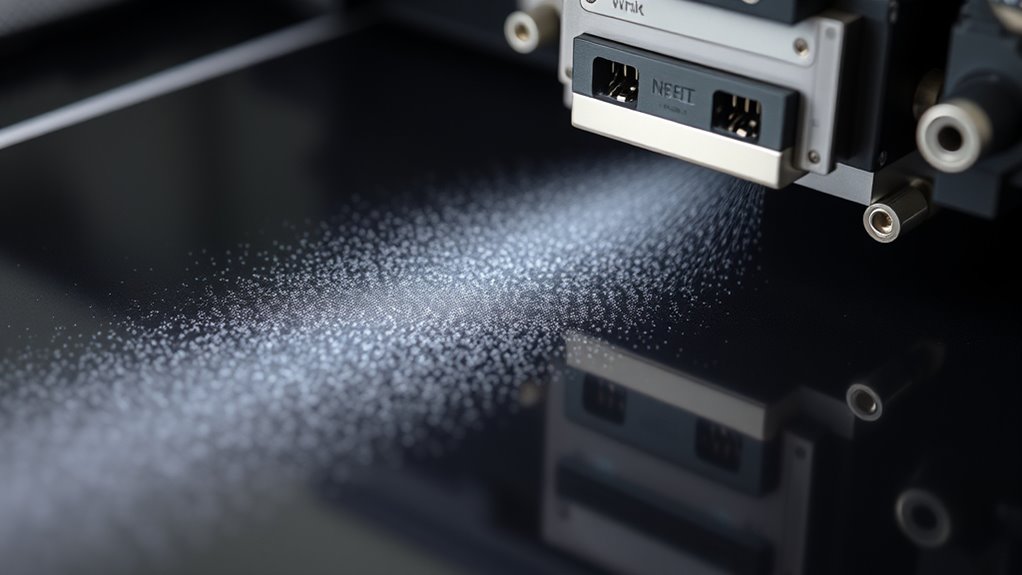
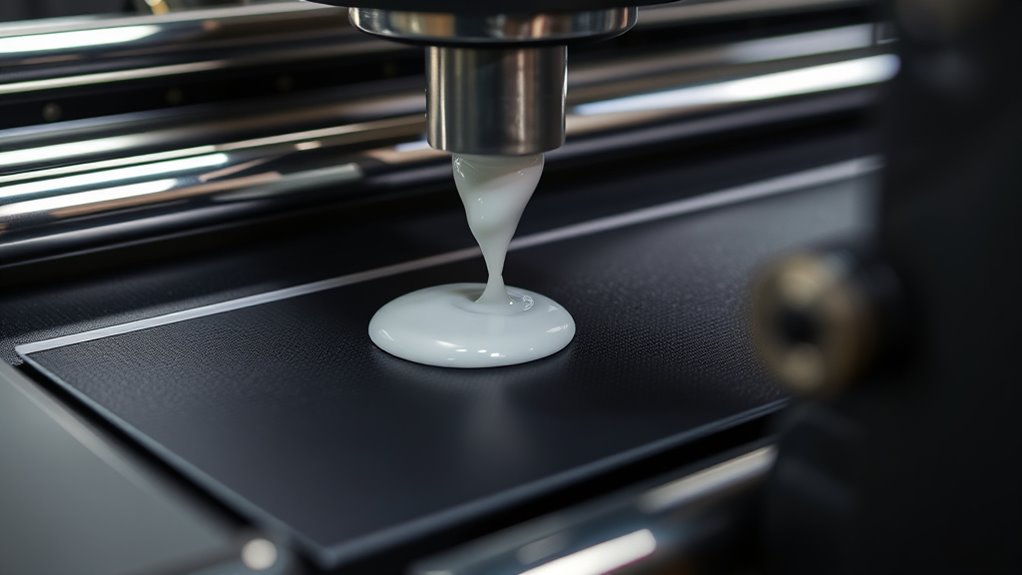
White ink printing is a process that involves applying an opaque layer of white ink to make designs more visible on dark or transparent surfaces. This white ink, which contains titanium dioxide pigments, offers high opacity and brightness, helping your design stand out.
During printing, a specialized printer such as a UV flatbed or white toner laser is used because most consumer printers can’t handle opaque white layers. White ink printing often requires creating a separate layer in your design file, positioning the white ink either under or over other colors to boost contrast and vibrancy.
Software adjustments are essential to ensure proper layering and placement. This process allows your design to be crisp, vivid, and clearly visible on challenging surfaces, enhancing the overall print quality.
Which Equipment Do You Need for White Ink Printing?
To print with white ink, you’ll need specialized equipment like UV flatbed printers or white toner laser printers made for this purpose.
You also have to use compatible white ink or toner supplies and make sure to keep the system well-maintained so it runs smoothly.
Using RIP software or design programs is essential for preparing your files with the white ink layer correctly.
Specialized Printer Compatibility
Because printing with white ink requires specialized equipment, you need to choose a printer designed for opaque, vibrant white layers. Regular consumer printers aren’t suitable since they lack white ink reservoirs or toner options.
Instead, focus on options like UV flatbed printers that cure white inks directly onto surfaces, white toner laser printers with white toner cartridges, or specialized inkjet printers equipped with white ink cartridges.
Make sure the printer is compatible with white toner or inks. UV printers are also a good choice for versatile substrate compatibility.
These printers handle white ink or toner effectively, providing the opacity and vibrancy needed for high-quality white printing. Selecting equipment explicitly designed for white ink is vital for achieving professional results.
White Ink/Toner Supplies
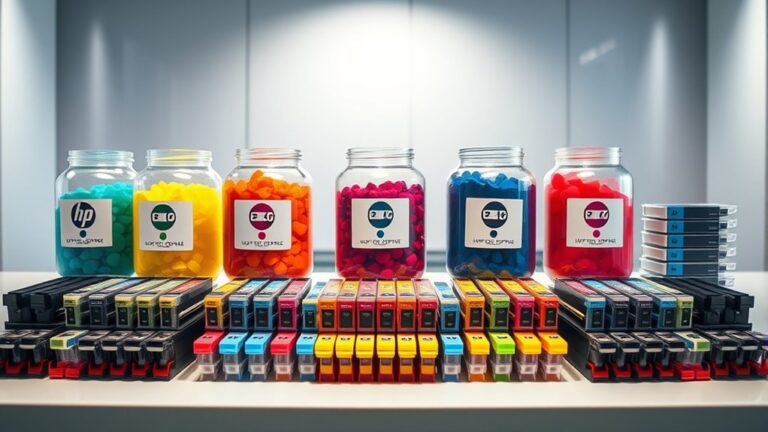
Wondering what equipment you need to achieve vibrant white ink prints? You’ll need a specialized white toner printer, like a white toner laser printer or UV flatbed printer, since most standard models don’t support white ink.
Popular options include white ink cartridges compatible with devices like the HP Laserjet Pro M452dw or dedicated white toner printers. When choosing white ink supplies, check for compatibility to prevent clogs, as white toner contains high concentrations of titanium dioxide, making it thicker.
You might need a white toner refill when supplies run low. Proper white ink maintenance is essential to prevent clogs and ensure good print quality.
Using the right equipment and supplies guarantees accurate, vibrant white printing. Pairing it with RIP software for file preparation can make a big difference.
Maintenance and Handling
Are you ready to keep your white ink printing equipment in top shape? Proper maintenance and handling are key to getting consistent, high-quality prints. Regular cleaning of nozzles and print heads helps prevent clogging caused by titanium dioxide pigment buildup.
Make sure to perform routine cleaning of your print heads and nozzles. Calibrating your white ink printers often ensures accurate color output. Adjust print settings in your RIP software to account for the thickness of white ink.
Handle your substrates carefully to avoid damage and ensure the ink adheres properly. Keep an eye on the white ink flow to prevent smudging and uneven coverage.
Taking good care of your white ink printers keeps everything running smoothly, helps avoid costly repairs, and results in vibrant, professional prints. Routine calibration and proper handling help maintain top print quality over time, making your printing process efficient and reliable.
How Do You Prepare Your Artwork Files for White Ink Printing?
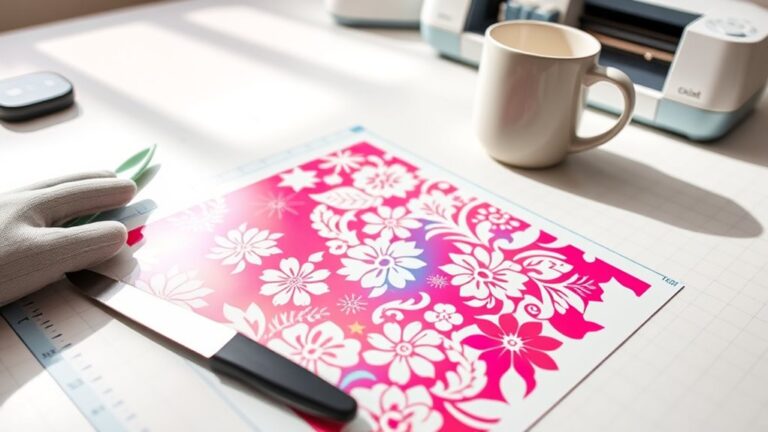
Preparing your artwork files for white ink printing requires careful organization to make sure the white elements print correctly. Start by creating a separate white ink layer in your design software and clearly label it as “White Ink” or “HPI-White.”
Use spot colors for white, setting the swatch to 100% Pantone White or a specific spot color to distinguish it from other inks. Apply “Overprint” settings to white elements to prevent gaps and ensure proper layering during printing.
Convert white ink layers to spot colors and verify they are set to overprint, maintaining the correct stacking order. When exporting your files, include separate channels or layers for white ink and other colors.
Save your files in formats like PDF, AI, or EPS for seamless compatibility with printing equipment. This organization helps ensure your white ink prints as intended.
How to Print White Ink on Different Surfaces : A Step-by-Step Guide
Printing white ink on different surfaces requires choosing the right method and equipment to get vibrant, opaque results. First, pick a suitable printing method like UV printing or white toner printing, both of which can handle an opaque white layer.
Prepare your artwork using design software, making sure to include a dedicated white layer for accurate layering and opacity. Use specialized equipment such as UV flatbed printers or white toner printers, since standard desktop printers can’t produce true white ink.
Adjust your printer settings to maximize white ink density and ensure the material is compatible. Always perform test prints on your surface—whether dark paper, transparent vinyl, or metallic substrates—to check for vibrancy and opacity.
Common White Ink Printing Problems and How to Fix Them
White ink printing often has its own set of challenges, like uneven coverage and clogged nozzles, which can mess up your final product. Common issues include coverage problems caused by ink separation over time and clogged nozzles from white ink’s oily texture. Thick layers might also lead to longer drying times and smudging.
Incorrect printer settings or incompatible inks can cause poor opacity. Troubleshooting usually involves regular cleaning, proper calibration, and making sure you use compatible materials. Here’s a quick guide:
| Problem | Cause | Solution |
|---|---|---|
| Nozzle clogging | Oily ink buildup | Clean nozzles regularly |
| Coverage issues | Ink separation or inconsistency | Improve ink mixing and calibration |
| Smudging | Thick ink layers | Apply thinner coats |
| Printer issues | Wrong settings | Adjust printer calibration |
Tips for Bright, Opaque, and Durable White Ink Prints
Looking to get bright, opaque white ink prints that really pop on dark or transparent backgrounds? The key is to maximize the opacity of the white ink by printing with high ink density and making sure the white layer is applied at full opacity.
Use high-quality white inks like white toner, UV inks, or specialized pigments with titanium dioxide for better brightness and durability. If needed, layer the white ink multiple times—extra coats can really boost how opaque and vibrant your print looks.
Use high-quality white inks and multiple coats to enhance opacity and achieve vibrant, durable prints on dark or transparent backgrounds.
Properly calibrating your printer and using RIP software helps you control the white ink layer precisely. This prevents gaps or uneven coverage that can ruin the final look.
Finally, consider adding protective coatings like varnish or lamination. These help improve the durability of your white ink prints and protect them from environmental damage. With these tips, you’ll get vibrant, long-lasting white prints that stand out.
Frequently Asked Questions
Can I Print White Ink on My Printer?
You probably can’t print white ink on your standard home printer because it doesn’t have the right white ink cartridges or toners.
If you want to print white, you’ll need specialized equipment like a UV flatbed or a white toner laser printer.
Some inkjet printers might handle white ink at home, but it’s usually expensive and not great quality.
For the best results, consider using professional printing services that have the right gear.
How to Do White Ink Printing?
To do white ink printing, you’ll need specialized equipment like UV flatbed or UV gel printers.
Start by preparing your design with a dedicated white layer using software such as Adobe Illustrator. Set white as a spot color and enable overprint.
Next, load your media into the printer, adjust the settings for maximum white density, and hit print. Watch as the opaque white layer appears, vibrant and bold, on your dark or transparent surface.
Why Is My Printer Not Printing White Ink?
Your printer isn’t printing white ink because it probably isn’t built for that. Most home printers don’t have white ink cartridges or toner and can’t print opaque white layers.
Check if your printer supports white ink and make sure the cartridges or toner are installed correctly and working. Also, look at your software settings, as they might not support white layers.
You might also need specialized equipment like UV printers if you want to print with white ink regularly.
Does an Inkjet Printer Have White Ink?
Did you know that less than 5% of consumer inkjet printers can print white ink? Most inkjet printers are designed with CMYK colors, which can’t produce white.
However, some specialized models and certain Epson printers do support white ink cartridges. If you want to print in white regularly, you’ll need a compatible, custom-equipped printer designed to handle opaque white ink.
Conclusion
Mastering white ink printing is like discovering a secret garden of vibrant possibilities. With the right tools, preparation, and techniques, you can turn ordinary surfaces into stunning works of art that shine through the darkness.
Learn how to print white ink effectively by understanding your printer’s capabilities and choosing the right materials. It’s all about patience and practice, so don’t be discouraged if things don’t go perfectly at first.
Troubleshooting is part of the process. Adjust your settings, clean your equipment, and experiment with different applications to get the best results.
Remember, mastering white ink printing opens up a world of creative possibilities. With the right approach, you can create opaque, dazzling designs that truly stand out and last.