Understanding Instant Ink: A Comprehensive Guide
Printing can be a hassle, especially when you run out of ink unexpectedly or worry about high costs. You’re not alone—many people struggle with managing ink supplies and keeping printing affordable. That’s where HP Instant Ink comes in to make your life easier.
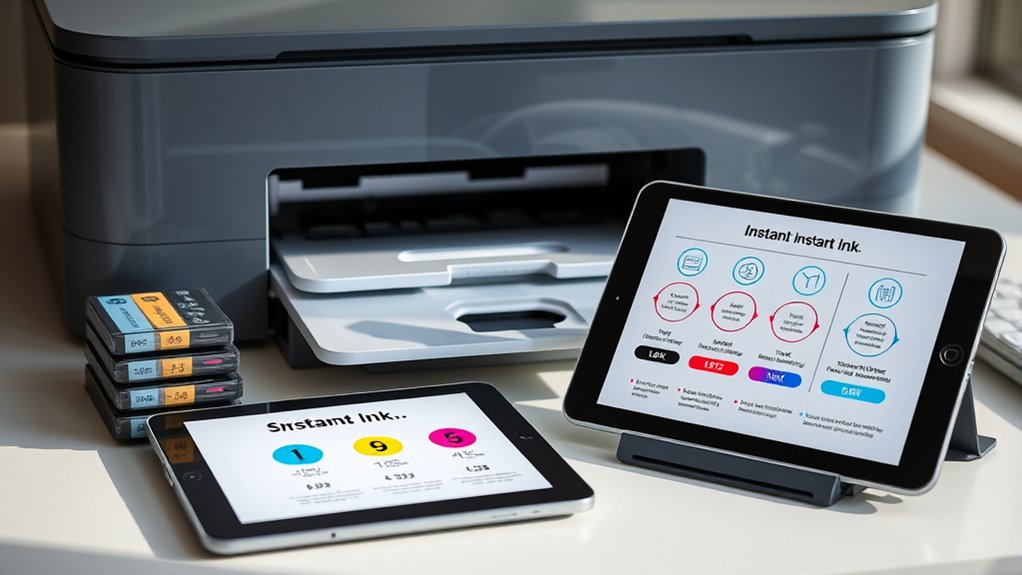
HP Instant Ink is a subscription service that automatically delivers ink cartridges before you run out, saving you time and money. It monitors your printer remotely, adjusts shipments based on your usage, and charges a monthly fee per pages printed.
It’s ideal if you print frequently and want predictable costs. Plus, it supports eco-friendly practices through recycling programs. Keep exploring to uncover how to get started, choose plans, and maximize benefits.
Key Takeaways
- Instant Ink is a subscription service that automatically sends ink cartridges based on your printer’s usage and ink levels.
- It offers flexible plans with monthly page limits, rollover options, and charges for extra pages if you go over.
- To use it, your printer needs to be labeled “HP Instant Ink Ready,” and you’ll need an internet connection and an HP account set up.
- The program also promotes eco-friendly practices by encouraging recycling and using recycled materials in cartridges.
- It’s a great choice for high-volume users who want predictable costs, convenience, and sustainability benefits.
What Is HP Instant Ink and How Does It Work for You?
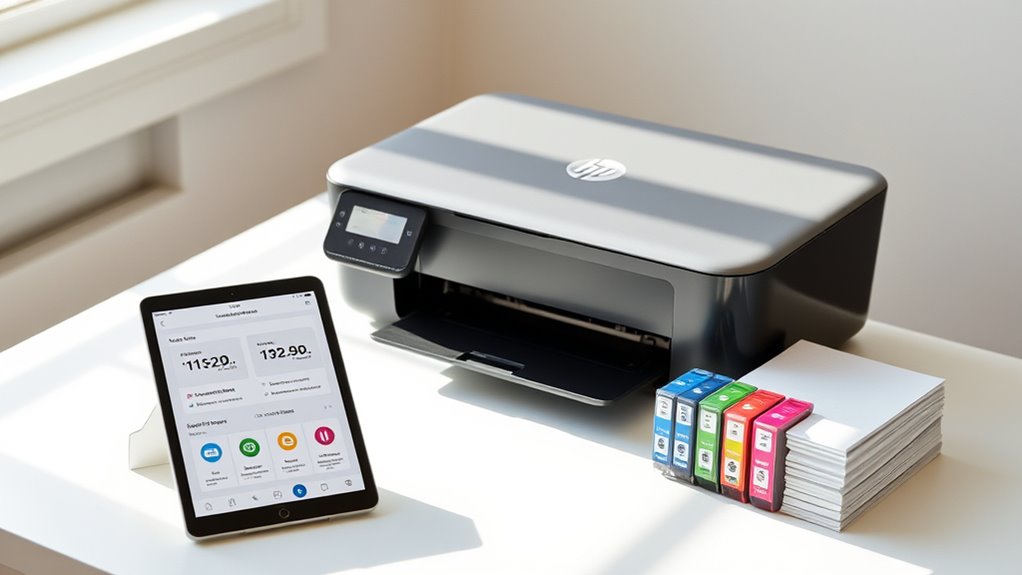
HP Instant Ink is a subscription service that automatically delivers ink cartridges to you whenever your printer detects low ink levels.
It’s designed to make your printing easier by monitoring your printer remotely and managing ink levels so you don’t run out of ink unexpectedly.
With this service, HP ships new cartridges based on your usage and a monthly fee that depends on the number of pages you print, not how much ink you use.
To get started, just connect your printer to the internet and create an HP account.
The service also offers a recycling program, providing prepaid envelopes to recycle used cartridges.
This helps support environmental sustainability while keeping your ink supply stocked without hassle.
Who Benefits Most From Using HP Instant Ink?
Anyone who prints frequently or in large volumes can see big benefits from using HP Instant Ink. If you’re a student, educator, or small business owner, you’ll enjoy cost savings and convenience with automatic ink replacements and page rollover options.
High-volume environments like schools and nonprofits get the most out of the service. It helps avoid runouts, reduces cartridge waste, and supports sustainability. Plus, the predictable monthly budget based on page limits makes expenses simple and prevents surprise costs.
HP’s cartridge return programs also make it environmentally friendly by reducing landfill waste. If you want hassle-free printing, dependable ink supply, and eco-conscious options, HP Instant Ink is designed for you. It offers an efficient, cost-effective solution that matches your printing needs and environmental goals.
How Do You Sign up and Get Started With HP Instant Ink?
Getting started with HP Instant Ink is simple and straightforward. To sign up, visit the official HP Instant Ink website or download the HP Smart app, then create an account.
Getting started with HP Instant Ink is easy—sign up online or via the HP Smart app and create an account.
Next, select your compatible printer from the list and choose a subscription plan that fits your typical monthly page needs.
After enrolling, you’ll receive a welcome kit with initial cartridges and clear instructions for activation.
Activation involves installing the HP Instant Ink cartridges into your printer and making sure it’s connected to the internet.
Once you’re set up, you can start printing right away. Your printer will automatically communicate with HP to reorder ink when levels are low, keeping your printing seamless and hassle-free.
What Are the HP Instant Ink Plans and How Much Do They Cost?
There are several HP Instant Ink plans designed to fit different printing needs and budgets. Prices start as low as $1.49 per month for 10 pages and go up to $27.99 for 700 pages.
Your chosen plan determines the monthly fee and printing volume, with specific ink limits for each subscription. If you go over your pages, overage charges usually apply, around $1 for every 10-15 extra pages.
The service offers flexible plan upgrades, so you can change your plan based on your changing printing needs. The cost per page gets cheaper with larger plans, giving you better value for higher volumes.
Current pricing and options are available on HP’s official Instant Ink website, though prices may vary depending on your region.
How Do Rollover and Overages in HP Instant Ink Work?
Curious about how your unused pages and extra printing costs are managed in HP Instant Ink? Rollover pages let you carry over unused pages from one billing cycle to the next, up to three times the page limit for ink plans and two for toner plans.
You can track your rollover pages through your HP account dashboard. If you don’t use your rollover pages within the rollover period, usually one month, they expire.
When you print beyond your plan’s page limit, overages occur. This costs about $1 for every 10 to 15 extra pages.
This system helps you manage your print volume efficiently while avoiding unexpected charges. Keep an eye on your monthly plan and usage to maximize your rollover benefits and stay within your page limits.
What Are the Main Benefits and Possible Drawbacks of HP Instant Ink?
HP Instant Ink offers several advantages that can make managing your printing needs more convenient and cost-effective. The benefits include automatic ink delivery based on your page count, preventing unexpected runs out of ink, and predictable monthly costs that can save money compared to buying cartridges individually.
However, there are drawbacks. If you print beyond your plan’s limit, overage charges can increase your costs, especially for high-volume users. Canceling the subscription immediately deactivates cartridges, which can be inconvenient if you rely on third-party or remanufactured ink.
While recycling is environmentally friendly, the service may be less cost-effective for infrequent or low-volume printing. Overall, HP Instant Ink balances convenience and savings with some potential limitations depending on your printing habits.
How Can You Manage and Change Your HP Instant Ink Subscription?
Managing and changing your HP Instant Ink subscription is easy and can be done anytime through your online account on the HP website or app. You can upgrade, downgrade, or cancel your plan whenever you need to.
To make changes, just log into your account, select your current plan, and pick the option you want. Upgrades or downgrades take effect immediately, but cancellations usually happen at the end of your billing cycle.
If you cancel, your printer will go back to using standard cartridges. Any remaining ink or toner can still be used until the cycle ends. HP also lets you roll over unused pages each month, giving you more flexibility to manage your plan based on your printing needs.
Is Your Printer Compatible With HP Instant Ink?
To find out if your printer works with HP Instant Ink, check if it’s labeled as “HP Instant Ink Ready.” Most new HP inkjet and LaserJet models are compatible, but older printers might need updates or may not support the service at all.
You can easily verify compatibility by visiting the HP website or using your printer’s menu options. Just a quick check can save you time and ensure your printer works smoothly with HP Instant Ink.
Compatible Printer Models
Not all printers are compatible with HP Instant Ink, so it’s important to check before signing up. Only HP printers labeled as “HP Instant Ink Ready” qualify, including most recent HP OfficeJet, ENVY, and DeskJet models.
Some HP LaserJet printers designed for high-volume color printing also support Instant Ink. To confirm if your printer works, review its specifications or visit the HP official website.
Older models may not support the service unless you upgrade or replace them. Compatibility depends on whether your printer can connect with HP Instant Ink support features.
If your printer isn’t Instant Ink Ready, you might need a printer upgrade. Ensuring your model is listed guarantees smooth enrollment and maximum printing efficiency with the program.
Compatibility Check Process
Checking if your printer is compatible with HP Instant Ink is simple, but it’s good to verify before signing up. Start by seeing if your printer model is labeled “HP Instant Ink Ready,” which usually applies to newer models with internet access.
Most compatible printers have Wi-Fi and can support firmware updates if needed. To do a quick online check, visit the HP Instant Ink website or look in your user manual.
If you’re unsure whether your printer works with HP Instant Ink, reach out to HP customer support for help. Keep in mind that older models without Wi-Fi or internet features usually aren’t compatible.
Making sure your printer meets the compatibility requirements helps you avoid issues and enjoy a smooth Instant Ink experience from the start.
How Does HP Instant Ink Support Recycling and Eco-Friendly Practices?
HP Instant Ink helps you stay eco-friendly by participating in the HP Planet Partners recycling program, which operates in over 60 countries.
The program makes it easy to return used cartridges using prepaid envelopes, helping to reduce waste. Plus, HP’s cartridges are made with significant recycled materials, supporting sustainability efforts worldwide.
Recycling Program Participation
Have you ever wondered how your printing habits can help create a greener planet? With HP’s recycling initiative, HP Planet Partners, you can make a real difference.
The program provides prepaid envelopes so it’s super easy to send back used cartridges for recycling at no cost. Over 60 countries are part of this effort, helping to reduce environmental waste.
HP’s cartridges are made with recycled content—100% of original toner cartridges contain 1-75% recycled material, and most ink cartridges include 4-75% recycled plastic. This eco-friendly disposal process supports responsible recycling and promotes sustainability.
Use of Recycled Materials
By integrating recycled materials into their cartridges, HP Instant Ink actively supports eco-friendly practices and reduces waste. Over 85% of HP ink cartridges are made from recycled plastic, helping to lower plastic waste worldwide.
HP’s recycling program, HP Planet Partners, makes it easy to send back used cartridges using prepaid envelopes. This program boosts recycling efforts in over 60 countries.
HP uses between 1% and 75% post-consumer and post-industrial recycled materials in their toner cartridges. This helps reduce the environmental footprint of printing supplies.
To deepen your understanding:
- Recycled materials, including post-consumer recycled plastics, are key to creating eco-friendly cartridges.
- Recycling efforts through HP Planet Partners promote sustainable printing by reusing used cartridges.
- Using recycled plastic in cartridges supports HP’s commitment to environmental responsibility and waste reduction.
Environmental Impact Reduction
Ever wonder how HP Instant Ink minimizes environmental impact? It promotes sustainability through recycling efforts with HP Planet Partners, which has recycled over 962 million cartridges worldwide.
Almost 85% of Original HP Ink cartridges are made from recycled plastic, highlighting eco-friendly manufacturing. HP also uses recycled materials, with 1-75% recycled content in toner cartridges, helping cut down on raw material use.
The recycling program provides prepaid envelopes, making it easy for you to return used cartridges and support waste reduction. These initiatives significantly reduce waste and your carbon footprint.
Frequently Asked Questions
Is HP Phasing Out Instant Ink?
No, HP isn’t phasing out Instant Ink. As of early 2023, the program is still active and widely available.
HP continues to promote it as part of their sustainable printing efforts and keeps introducing new compatible printers and features.
There are no official statements suggesting they plan to discontinue or replace the service.
Instead, HP is investing in expanding and improving Instant Ink, showing they’re committed to the program.
What’s the Best All-In-One Printer?
The best all-in-one printer for you depends on your needs. If you want reliability and cost-efficiency, consider models like the HP OfficeJet Pro, Canon MAXIFY, or Epson EcoTank.
Look for features like wireless connectivity, mobile printing, and automatic document feeders for added convenience. If you print often, choosing a printer that supports subscription services like HP Instant Ink can save you money.
Pick one that matches your volume and feature preferences to get the best performance.
What Are the Cons of HP Instant Ink?
The cons of HP Instant Ink include cartridges that deactivate when you cancel, which prevents the use of third-party options and limits flexibility.
If you don’t print often, the subscription could end up costing more than traditional cartridges.
Overages can add up quickly if you print a lot, and poor internet connectivity can disrupt the service.
Also, canceling locks you into HP’s ecosystem, making it harder to switch to other ink sources later.
Can I Cancel My HP Instant Ink Subscription and Still Use My Printer?
Absolutely, you can cancel your HP Instant Ink subscription and still keep your printer humming like a well-tuned engine.
Once you cancel, your printer shifts gears. It no longer receives ink automatically and recognizes only traditional cartridges.
Your current ink remains valid until the billing cycle ends, but future shipments will stop.
You’ll be back to manually swapping cartridges, turning your printer into a classic, reliable workhorse ready whenever you need it.
Conclusion
In the world of printing, HP Instant Ink is like having a personal ink genie granting your wishes without draining your wallet. It offers convenience, savings, and eco-friendly benefits, making it a smart choice for many.
Just remember, like any tool, it’s only as good as how you use it. So, weigh your needs, pick the right plan, and let HP Instant Ink turn your printing woes into a thing of the past.
By choosing HP Instant Ink, you’re embracing a smarter, more sustainable way to print. It’s all about making your printing experience easier and more affordable.