Does Printer Ink Dry Out?
Are you tired of printing documents only to find your ink has dried out or clogged? Many people struggle with keeping their printer ink fresh and ready to go, especially if they don’t use their printer regularly. It can be frustrating when your prints turn out streaky or faint because of dried-out ink.
Yes, printer ink can dry out over time if you don’t store or use it properly. Exposure to air, heat, humidity, and sunlight speeds up evaporation and causes the ink to harden, leading to clogs and poor print quality.
Cartridges with built-in nozzles tend to resist drying better, but all types eventually dry out or clog if left inactive too long. Keep your cartridges sealed and stored correctly to prolong life—more tips below.
Key Takeaways
- Yes, ink can dry out, especially when exposed to air, heat, humidity, or sunlight.
- Cartridges with built-in printheads tend to dry slower than removable printhead cartridges.
- Inks inside cartridges usually last between 12 to 36 months if stored properly.
- When not used for a long time or if stored improperly, ink evaporation and drying happen faster.
- You might notice dried ink if you see streaks, nozzle clogs, or missing print areas.
Why Does Printer Ink Dry Out and How Can You Prevent It?
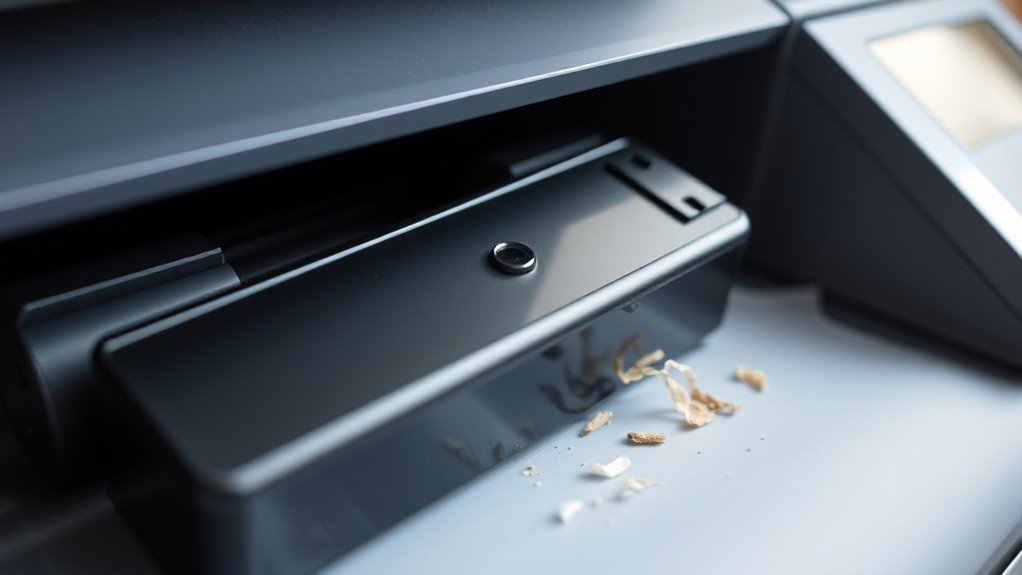
Printer ink, especially in inkjet cartridges, tends to dry out mainly because the carrier fluid evaporates when exposed to air or heat. When this happens, the ink inside your ink cartridge can form a hardened skin at the nozzle, causing clogs and poor print quality or no printing at all.
To prevent this, store your cartridges in a cool, dry place and keep them sealed when not in use. Regularly printing small documents helps keep the ink flowing and reduces the chance of it drying inside the nozzles.
Using high-quality cartridges with effective sealing mechanisms is also important. Routine maintenance can further help prevent printer ink from drying out, ensuring your printer stays ready whenever you need it.
Does Cartridge Type Affect How Quickly Your Ink Dries?
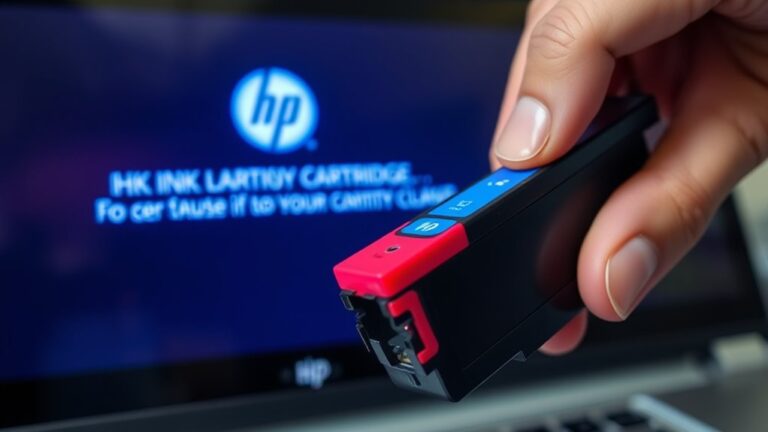
The type of cartridge you use can significantly affect how quickly your ink dries out. Cartridges with built-in printheads, like many HP and Canon models, seal the nozzles when not in use. This helps slow down ink drying.
On the other hand, Epson printers with removable printheads make the ink more prone to drying and clogging if not maintained regularly. Here are some key points:
- Integrated printheads protect ink longer by sealing nozzles.
- Removable printheads expose ink, increasing the risk of drying out.
- Cartridges with visible slots usually indicate built-in printheads.
- Cartridges without printheads rely on printer cycles to keep ink from drying.
Knowing your cartridge type helps you better manage printer maintenance and avoid issues caused by fast-drying ink.
What Causes Printer Ink to Dry Out Too Soon?
Ink dries out too soon mainly because exposure to air causes the carrier fluid to evaporate, leading to clogs at the nozzles. When ink dries prematurely, your print quality suffers, with streaks or faded images.
Using expired or improperly stored cartridges speeds up this process because chemical breakdown and pigment flocculation make the ink more likely to dry out. Extended periods of inactivity without printing also allow ink inside the cartridge to evaporate, especially if maintenance cycles aren’t enough.
Expired or poorly stored cartridges accelerate ink drying and clogging due to chemical breakdown and evaporation.
Excessive heat, humidity, and direct sunlight also speed up evaporation and cause chemical instability. Manual refilling or damage to cartridge seals introduces air into the system, which further dries out the ink and causes nozzle blockages.
All these factors combine to shorten ink’s lifespan and degrade print quality.
How Long Do Printer Ink Cartridges Usually Last Before Drying?
How long your ink cartridges last before drying out mostly depends on how you store and use them. Usually, inkjet cartridges can last between 12 to 36 months before the ink starts to dry out, but this can vary based on storage conditions.
If you keep your cartridges sealed and stored in a cool, dry place, they can stay usable for up to two or three years. Proper handling really helps extend their lifespan and prevents drying.
Here are some key points to keep in mind:
- Opened ink cartridges should be used within 12 months to avoid drying and clogging.
- Sunlight, high temperatures, and humidity speed up the drying process.
- Storing cartridges upright in a sealed container helps prolong their life.
- Laser toner cartridges last 2 to 3 years because toner powder doesn’t dry out like ink.
Taking good care of your cartridges can make a big difference in how long they last and how well they print.
How Can You Tell If Your Printer Ink Is Dried Out?
Since dried-out ink can be hard to notice at first, keep an eye on your printer’s performance and print quality. If your prints look faint or missing parts, ink is probably the cause, even if the cartridge shows ink levels.
Look for nozzle clogs or streaks on printed pages, which can mean dried or blocked ink. If cleaning cycles don’t improve the print quality, your ink might be dried out or hardened. For cartridges with built-in printheads, no ink flow or no streaks during cleaning suggest dryness.
Visual checks help too; inspect the nozzles for crusted or hardened ink. If the print is faint or missing, uneven ink distribution could be the problem. Nozzle streaks indicate ink build-up or clogs. When cleaning cycles fail to fix issues, dried ink or blockage is likely.
No ink on the nozzles means you might need to do a physical inspection. Dried printer ink dry can cause no ink flow during cleaning. Keeping an eye on these signs helps you catch problems early before they worsen.
How to Fix and Revive Dried-Out Printer Ink Cartridges
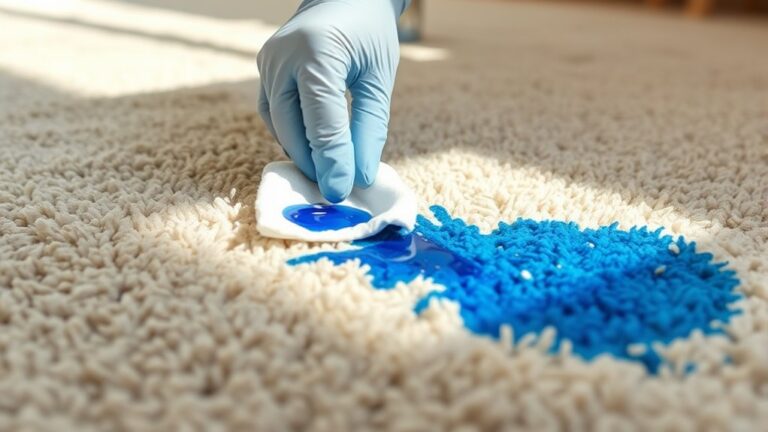
When your printer cartridges start to dry out, there are simple ways to revive them and get your print quality back. First, gently clean the printhead with a damp, warm paper towel to remove any dried ink.
Next, soak the cartridge in warm water for about 15 seconds to loosen stubborn dried ink. Then, use a warm, damp cotton bud to carefully rub the printhead area and clear any clogs.
Avoid harsh chemicals like rubbing alcohol because they can damage your cartridge. Stick to warm water or gentle cleaning methods instead.
If your cartridge doesn’t have built-in printheads, running the printer’s cleaning cycle helps dissolve dried ink and restore flow. Regular printing and maintenance cycles prevent ink from drying out and clogging nozzles, keeping your printer in top shape.
Best Practices for Storing Printer Ink to Keep It Fresh
Proper storage is key to keeping your printer ink fresh and ready for use. To prevent the ink from drying out, store ink cartridges in a cool, dry place away from direct sunlight and heat sources.
Keep them upright to reduce leaks and limit exposure to air, which can speed up drying. Seal unused cartridges tightly, preferably in their original packaging or an airtight plastic container, to minimize air contact.
Avoid storing ink in areas with high humidity or temperature fluctuations, as these can affect the ink’s chemical stability. Regularly using and cycling through your stored ink helps keep it fluid and prevents it from drying inside the nozzles.
Tips to Maintain Fresh Ink and Keep Your Printer Working Smoothly
To keep your printer running smoothly, it’s a good idea to regularly print small documents or test pages. This helps ensure the ink flows properly and prevents it from drying out.
To maintain fresh ink and avoid buildup, store your cartridges in a cool, dry place away from heat and sunlight. Keep them sealed until you’re ready to use them to reduce exposure to air.
Using high-quality cartridges with strong sealing mechanisms can also help delay drying. And if you haven’t printed in a while, running a cleaning cycle can keep everything in good shape.
When Should You Replace Your Printer Cartridges Due to Drying or Damage?
Persistent print quality problems or frequent nozzle clogs usually mean it’s time to replace your cartridges, especially if cleaning cycles no longer fix the issue. When you notice inconsistent colors, streaks, or missing sections, it’s likely your ink has dried out or the nozzles are damaged.
If your toner or ink levels are low and problems keep happening despite cleaning, replacing the cartridge is the best move to prevent further damage. Cartridges stored improperly or past their shelf life (24–36 months) can cause issues because the ink tends to dry out or degrade.
Additionally, if you see leaks, physical damage, or get error messages, it’s time to replace the cartridge immediately. Doing so helps maintain good print quality and prevents damage to your printer.
Frequently Asked Questions
How Do You Fix a Dried up Ink Cartridge?
You can fix a dried-up ink cartridge by gently cleaning the printhead with warm water or a moist cotton swab to dislodge clogs.
Soaking cartridges with built-in printheads in warm water for about 15 seconds can help dissolve the dried ink.
Running your printer’s cleaning cycle also helps clear stubborn clogs, especially for cartridges without built-in printheads.
Avoid using harsh chemicals to prevent any damage.
How Long Does Printer Ink Last Before It Dries Out?
Printer ink typically lasts between 24 to 36 months in sealed cartridges, depending on storage conditions. Once installed, it can stay usable for weeks or months if kept in a cool, dry place away from heat and sunlight. Proper storage can really extend its shelf life.
However, most manufacturers suggest replacing cartridges after about 12 to 24 months for the best print quality and to prevent drying out.
Does HP Printer Ink Dry Out?
Yes, HP printer ink can dry out, especially if you don’t use your printer regularly. Think of it like a sponge left out; over time, the ink can clog the nozzles, making printing difficult.
Even though HP designs cartridges to resist drying, prolonged inactivity—weeks or months—can cause the ink to dry and clog. Regular printing and proper storage help keep your ink fluid and ready to use.
Can You Rehydrate Dried Ink?
Yes, you can rehydrate dried ink, but it depends on how hardened it is. If the ink has only partially dried, gently wiping the printhead with a warm, damp cloth or soaking it briefly in warm water can help dissolve the clogs.
However, if the ink has fully hardened or formed a solid plug, rehydration might not work. In that case, you’ll probably need to replace the cartridge for proper printing.
Conclusion
Keeping your printer ink from drying out is key to smooth printing. Did you know that nearly 60% of printer users experience issues caused by dried ink?
By storing cartridges properly and using them regularly, you can extend their lifespan and save money. Addressing drying issues early helps ensure your prints stay crisp and vibrant.
With these tips, you’ll keep your printer in top shape and avoid unexpected replacements. This way, you can make every print count and prevent printer ink from drying out.