What Is the Average Lifespan of Printer Ink Cartridges?
Many people struggle with managing printer ink cartridges—knowing when to replace them, how to make them last longer, or worrying about wasted ink. You’re not alone; keeping your printer running smoothly can be a real challenge.
The average lifespan of a printer ink cartridge is about 8 months to a year with regular use. Unopened cartridges can last up to 24 to 36 months if stored properly in a cool, dry place, away from heat and sunlight.
Proper storage and consistent printing help extend their life and maintain quality. If you want to learn how to maximize your cartridges’ longevity and avoid issues, keep going for useful tips and insights.
Key Takeaways
- Unopened ink cartridges usually last about 2 to 3 years from the date they were made, as long as you store them properly.
- Once installed in your printer, cartridges tend to last around 8 months to a year if you’re printing regularly.
- If you don’t print often, the ink can dry out inside the cartridge, which cuts down its lifespan.
- Taking good care of your cartridges by cleaning your printer and storing unused ones in sealed packaging can help them last longer.
- You’ll notice dried or expired ink if your prints start to fade, streak, or if your printer shows warning messages.
How Long Do Unopened Ink Cartridges Last Before Expiry?
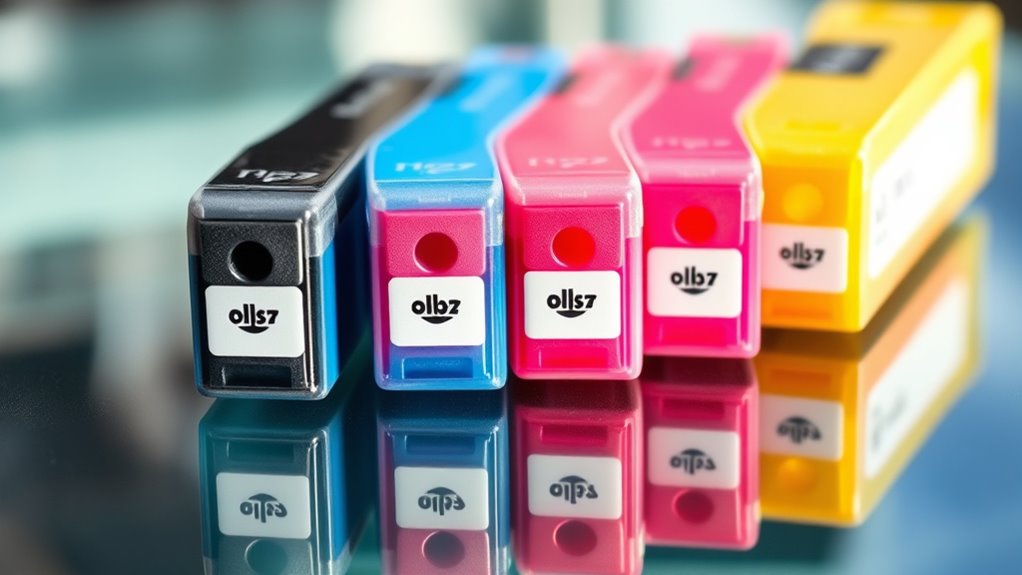
Unopened ink cartridges usually last between 24 and 36 months from the manufacturing date if stored properly. The shelf life depends on storage conditions and what the manufacturer recommends.
Sealed packaging helps protect the ink’s stability and keeps out elements that could cause it to deteriorate. To get the most shelf life, store cartridges in a dry place, away from heat, humidity, and direct sunlight.
Storing them in a controlled environment can extend their shelf life beyond the typical period. The printed expiration date indicates the manufacturer’s suggested peak performance time, but cartridges might still work a little after that date.
What Factors Affect the Shelf Life of Ink Cartridges?
Several factors can influence how long your ink cartridges stay usable, even if they haven’t been opened yet. Proper storage is crucial to maximize their shelf life. Exposure to heat, humidity, and sunlight can cause the ink to deteriorate, leading to dried ink, clogs, and poor print quality.
Proper storage in a cool, dry place keeps unopened ink cartridges fresh and ready for optimal performance.
To keep your ink in good shape, always store cartridges in their original sealed packaging. This helps prevent moisture and air from getting in, which can speed up ink deterioration.
Consider these key factors:
- Storage Environment: Keep cartridges in a cool, dry place to avoid the ink drying out or thickening.
- Expiration Date: Pay attention to the printed date to ensure the cartridge will perform at its best.
- Proper Packaging: Sealed packaging helps extend the shelf life of unopened cartridges, maintaining ink quality longer.
How Long Do Installed Ink Cartridges Last With Regular Use?
When you use your printer regularly, your ink cartridges tend to last longer because consistent printing helps prevent the ink from drying out or clogging. With steady print volume, ink cartridges typically last between 8 months to a year before needing replacement.
Frequent printing at standard coverage levels keeps ink flowing smoothly, which extends the cartridge life and reduces issues like ink drying or clogging. Proper printer maintenance and storing cartridges properly also help keep your ink usable for longer.
Light or infrequent printing shortens cartridge life because the ink can dry inside the nozzles, decreasing print quality. Overall, regular use and good maintenance habits are key to maximizing your ink cartridges’ efficiency and longevity.
How Can You Extend the Lifespan of Your Ink Cartridges?
To get the most out of your ink cartridges, it’s important to develop good storage and usage habits. Keep ink in its original sealed packaging and store it in a cool, dry place to prevent it from drying out or degrading.
Store ink in sealed packaging in a cool, dry place to maintain quality and longevity.
Printing regularly, at least once a month, helps keep the ink flowing and prevents it from drying inside the printhead. This simple step can really boost your cartridge’s lifespan.
Try to use printer settings like draft mode or grayscale to use less ink. These options help conserve ink and reduce wear on your cartridges.
Don’t forget to perform periodic printhead cleaning and maintenance routines. This keeps the ink flowing smoothly and helps extend the life of your cartridges.
What Are the Signs That Ink Cartridges Are Dried Out or Expired?
If your prints start to look faded or streaky, it’s a sign your ink might be dried out or expired. You might also see warning messages from your printer, like “cartridge needs replacing.”
Plus, physical signs like crusty cartridges or thickened ink can mean it’s time for a replacement. Keep an eye out for these clues to ensure your printer keeps working smoothly.
Visible Print Quality Issues
Visible print quality issues are often the first clues that your ink cartridges may be dried out or expired. You might notice faded text, streaks, or smudges that spoil your documents.
These problems happen when dried ink inside nozzles stops the ink from flowing smoothly, causing streaks or inconsistent colors. If your prints show color shifts or blurriness, it’s a sign your cartridge might be deteriorating or the ink has dried out.
A sudden drop in the number of pages printed compared to the expected yield also suggests ink expiration or drying. Keep an eye out for error messages from your printer about low ink or cartridge issues, as they usually confirm these print problems.
Recognizing these signs early can help prevent more serious print quality issues and cartridge damage down the line.
Printer Error Messages
When your printer shows error messages like “low ink,” “replace cartridge,” or starts printing failures, it usually means your ink cartridges might be dried out or expired. These messages often point to dried ink or expired cartridges that can impact your print quality.
Signs include streaky, faded, or inconsistent prints, especially with color. Clogged print heads, misalignments, or strange noises can also suggest dried ink. If your cartridges are expired, your printer may refuse to print or give warning alerts.
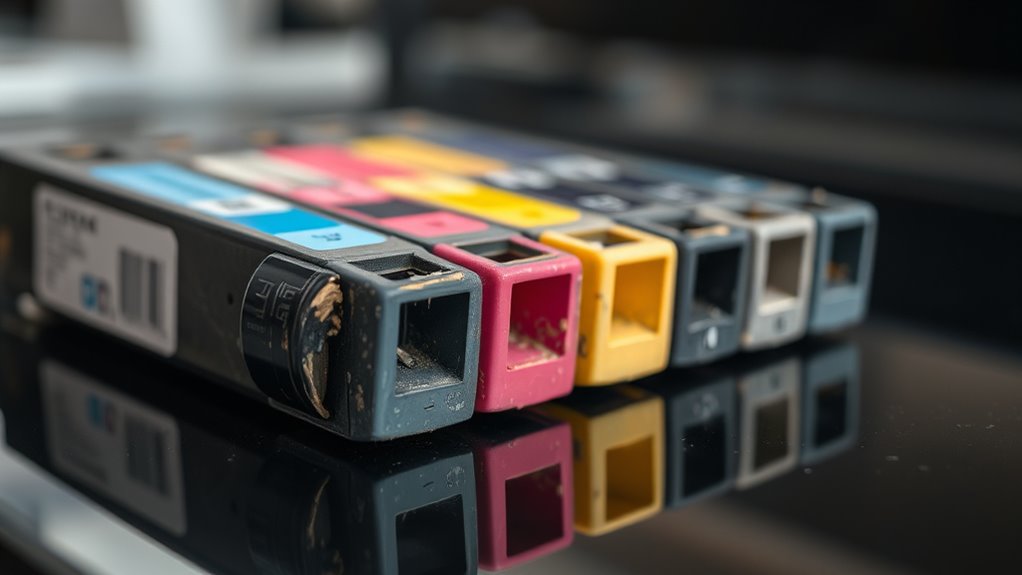
Visibly dried cartridges might appear cracked or have thickened ink around the nozzles, signaling it’s time to replace them. Recognizing these signs helps with troubleshooting and keeps your cartridges lasting longer.
| Error Message | Signs of Dried or Expired Ink | Printer Troubleshooting |
|---|---|---|
| Low ink | Faded prints | Replace cartridge |
| Replace cartridge | Cracked or dried nozzles | Clean print head |
| Ink drying | Inconsistent color output | Check ink levels |
| Cartridge warning | Nozzle clogs | Perform print head cleaning |
| Printing failure | Strange noises | Verify cartridge condition |
Are Refillable and Remanufactured Cartridges Worth Considering for Infrequent Printing?
Refillable and remanufactured cartridges can be a smart choice for infrequent printing, offering significant savings compared to OEM options. Their lifespan, however, depends on factors like ink quality, storage, and handling.
Refillable cartridges save money but require proper storage and handling for best longevity.
Keep in mind that poor storage can shorten their shelf life, leading to ink drying out or deteriorating. Incorrect handling might cause leaks or damage, reducing their durability.
Regular maintenance and careful use can help extend their lifespan, making them a cost-effective choice. While these cartridges can save you money, their longevity and performance may vary.
If you print only occasionally, proper storage and maintenance are key to getting the most out of them and avoiding disappointing print quality.
Frequently Asked Questions
Is HP Inkjet Ink Good for 10 Years?
HP inkjet ink isn’t ideal for 10-year use. While unopened cartridges stored properly can last up to 2-3 years, chemical stability declines over time, which can cause clogs and poor print quality.
Once installed, the ink’s quality may last for about 200 to 1,500 pages, but after a decade, you’re likely to run into issues. It’s best to replace cartridges within their recommended expiration dates for the best results.
Does Staples Give You Money for Empty Ink Cartridges?
Yes, Staples does give you money for empty ink cartridges, but don’t get too excited—it’s usually just store credit, discounts, or rewards. You can bring in popular brands like HP or Canon.
Depending on the cartridge’s condition and type, they might offer a few dollars or rewards. It’s a small price for helping the environment, especially when you consider how quickly cartridges tend to run out of ink.
What Is the Most Reliable Printer Brand?
You should consider HP, Canon, and Epson as the most reliable printer brands. HP printers are known for their long-lasting ink cartridges and advanced print head technology, making them dependable over time.
Epson’s EcoTank series offers refillable tanks that extend cartridge life, which is a big plus for reliability. Canon is praised for durability and consistent performance.
These brands’ innovative features and consistent performance make them top choices, especially if you value longevity and quality in your printer.
How to Bring Old Ink Cartridges Back to Life?
Think of your ink cartridges as plants needing care to thrive. To revive old cartridges, soak them in warm water or isopropyl alcohol to dissolve dried ink.
Use a syringe or needle to gently flush the nozzles, clearing blockages. Run the printer’s cleaning cycles, and store cartridges properly in sealed bags with a damp cloth.
Refill with high-quality ink, and your cartridges can breathe new life, extending their usefulness.
Conclusion
In the grand scheme of your printing needs, understanding the average lifespan of printer ink cartridges helps you avoid surprises—like a cartridge drying out faster than a knight’s armor rusting.
Keep an eye on expiry dates, store cartridges properly, and consider refillable options if you print infrequently.
By doing so, you’ll save time and money, ensuring your printer stays ready for action.
After all, knowing how long ink cartridges typically last can make all the difference in keeping your printing smooth and efficient.